
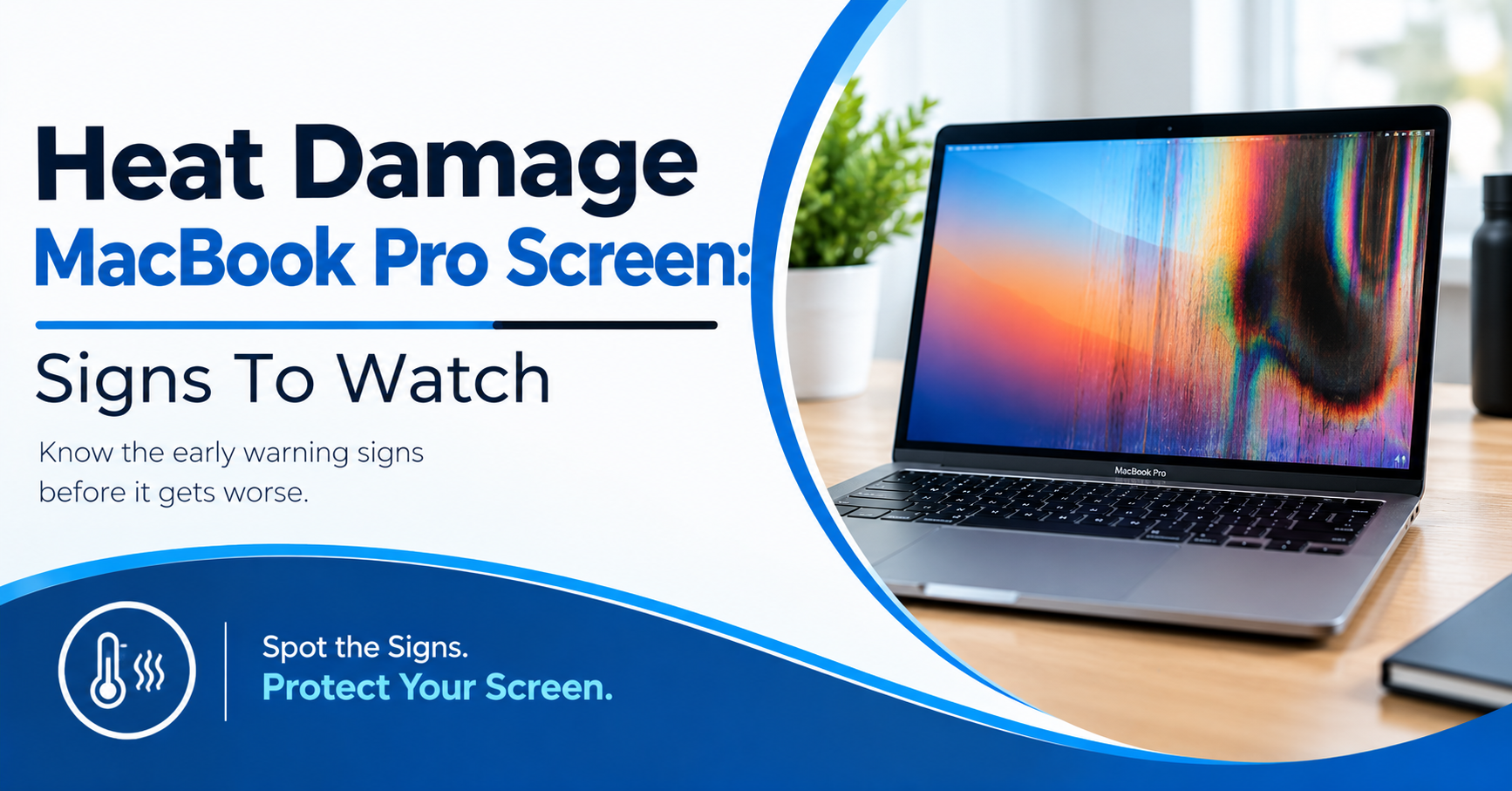
Have you ever seen odd spots on your MacBook screen after a long day? Now you worry about heat damage MacBook Pro screen. Most people blame heat right away. Pressure, software, and cables can look the same. Blocked vents and hot rooms can make things worse. Wrong guesses can waste your time and money. This guide shows the signs worth checking first. You will learn how to test your display. We will cover simple ways to keep your laptop cool. You will also see when a repair is smarter. Do not worry because each step is easy. Let’s protect your screen and your peace of mind.
Heat Damage MacBook Pro Screen: Signs To Watch
Screen changes often give useful clues. Look for patterns before seeking repair.
- Dark Spots: Check for fixed dark areas after cooling.
- Color Shifts: Watch for pink, green, or yellow patches.
- Flickering: Note flicker during heavy work or charging.
- Brightness Loss: Check if brightness drops during heat.
- Lines: Look for fixed lines across the display.
These signs don’t prove heat damage alone. A technician should inspect the display system.
Why Heat Affects MacBook Pro Displays
Heat creates stress inside your MacBook Pro. Heavy work also raises internal temperatures. Video editing and games create extra heat. Blocked vents make cooling harder. Soft beds also block airflow below laptops.
Apple recommends a stable work surface. Apple lists 10°C to 35°C for use. A hot car creates another serious risk. Never leave your MacBook inside parked cars. High heat also affects the battery.
Brightness Drops During Hot Sessions
Some MacBook Pro models limit display brightness. This happens during certain hot conditions. Bright HDR content also adds display load. Apple says this limit protects display operation. The screen might dim without lasting panel damage. Let the MacBook cool before judging it.
Apple suggests sleeping for five to ten minutes. Then wake the MacBook and check again.
Lines Or Patches Need Closer Testing
Fixed lines often point toward hardware trouble. Heat might play a part in some cases. Still, pressure also causes display damage. Check the screen after a full cool-down.
Open a plain white image on screen. Then open a plain black image. Watch for spots, lines, or color changes. Compare the pattern after cooling.
External Displays Offer A Useful Clue
Connect your MacBook Pro to another display. Use a suitable USB-C or HDMI adapter. If the external display looks normal, note it.
The internal panel then deserves closer inspection. If both displays show trouble, look deeper. The graphics system might need further testing.
Common Causes Behind MacBook Screen Heat
Heat often comes from several sources. Some causes start outside your MacBook. Others begin inside the machine.
- Blocked Airflow: Soft surfaces trap heat under laptops.
- Heavy Workloads: Video apps push processors harder.
- Hot Rooms: High room heat reduces cooling room.
- Parked Cars: Closed cars reach unsafe temperatures quickly.
- Battery Trouble: Battery faults often raise system heat.
Don’t keep testing a hot MacBook repeatedly. Let the machine cool before checking again.
How To Check for Heat-Related Screen Damage
Start with simple checks before opening anything. Never use a freezer or ice pack. Sudden cooling creates another risk. Room temperature cooling remains safer.
Shut Down And Let It Cool
Save your work if the MacBook responds. Then shut the MacBook down normally. Disconnect charging when safe.
Move it to a cool indoor surface. Keep vents clear during the cool-down. Wait until the case feels normal again.
Then inspect the screen under plain colors. Check both dark and bright backgrounds.
Check Brightness And Color
Open a white page after cooling. Then check a dark page. Look for fixed patches or color shifts.
Change brightness through several levels. Watch whether the mark changes with brightness. A fixed mark needs closer testing.
A changing mark needs closer testing too. A repair shop should inspect persistent display faults.
Watch Fan And Heat Behavior
Listen for fans during heavy work. Long fan runs deserve attention. Check Activity Monitor for heavy processes.
Apple recommends checking CPU activity during unusual heat. Software updates also help with heat control. Persistent heat needs professional service.
Heat Damage Or Another Screen Problem?
A screen mark doesn’t always come from heat. Pressure, image retention, cable faults, and software issues differ. Finding the right cause prevents wasted repair money.
- Pressure Marks: Lid pressure often creates dark patches.
- Image Retention: Static images might leave faint shapes.
- Cable Faults: Loose display links cause flicker or lines.
- Software Glitches: Updates or apps might affect output.
- Panel Damage: Physical panel faults need display service.
Check the timing of each screen change. Note what happened before it appeared.
How To Prevent More MacBook Screen Heat
Prevention starts with simple habits. You don’t need special cooling gadgets. Your work surface matters more than accessories.
Use A Hard, Open Surface
Place your MacBook on a solid desk. Avoid beds, blankets, and thick cushions. Those surfaces block airflow.
Keep vents clear during heavy work. A stand also gives more space below. Don’t cover the keyboard during use.
Apple warns against blocking ventilation paths. Good airflow keeps heat from building quickly.
Control Room And Sun Heat
Keep the MacBook away from direct sunlight. Don’t leave it inside a parked car. Close heavy apps during hot room conditions.
Lower room temperature during long work sessions. HDR video also adds extra display load. Take short breaks during long heavy tasks.
If you notice heat damage MacBook Pro screen symptoms, stop heavy work first. Let the machine cool before testing again.
Watch Charging And Battery Signs
A hot battery needs attention. Swelling creates another serious hardware concern. Stop using a swollen battery.
Don’t press down on a raised trackpad. Don’t open the battery yourself. Apple recommends trained service for battery repairs.
This also reduces injury and fire risks. Battery trouble deserves prompt attention.
When Should You Get Professional Repair?
Some screen problems deserve prompt testing. Persistent lines rarely fix themselves. Dark patches also need proper checking.
Flicker after every heavy session needs attention. A burning smell needs immediate action. Battery swelling also needs urgent service.
Back up your files before repair. Use an external display if needed. Don’t keep pushing a failing display.
A repair shop should inspect more than pixels. Technicians should check heat history too. They should inspect battery and cooling parts.
Ask for a clear diagnosis before approval. Avoid approving random part changes.
Heat Damage MacBook Pro Screen: Repair Options
Repair depends on the failed part. A screen panel might need replacement. A cooling fault might need internal cleaning.
A battery fault needs battery service. A board fault needs deeper testing. Don’t approve a screen swap without diagnosis.
The same screen symptom has several causes. Good testing helps avoid needless part replacement.
If heat damage MacBook Pro screen signs remain, seek repair. Persistent marks need proper display testing.
How Mr. Repair USA Can Help With MacBook Screen Problems
Mr. Repair USA handles MacBook Pro screen repairs. Their laptop service covers MacBook Pro models. Their site lists screen replacement as a service. It also lists battery and hardware repairs. Their technicians provide diagnosis before repair. They also provide an upfront estimate first. This gives you a clear repair cost. Their site says many laptop repairs finish same-day. They also use high-quality parts meeting OEM standards.
Warranty coverage applies to their repair work. Their Virginia locations serve several local areas. Alexandria customers can call 571-317-8195. Manassas customers can call 571-632-8163. Woodbridge customers can call 571-706-3723. You can review their laptop repair service online. If your screen stays damaged after cooling, call.
Should You Repair Or Replace The MacBook?
Start with a screen diagnosis. Then ask what caused the damage. A newer MacBook often deserves repair. A single display fault doesn’t mean total failure. Older Macs need a closer cost check. Compare repair costs with replacement prices.
Also consider your files and current setup. Don’t replace a working MacBook too quickly. A proper diagnosis gives you useful repair information. It also gives you a better price estimate.
A Simple Rule For Future Heat Problems
Treat repeated heat as a warning. Don’t wait for the screen to fail. Use your MacBook on a hard surface. Keep vents open during heavy work. Keep the room within Apple’s listed range. Watch for fans, brightness changes, and sudden shutdowns.
Back up important files before repair visits. These small steps reduce avoidable heat stress. If you keep seeing heat damage on the MacBook Pro screen, stop heavy use. Let a technician inspect the MacBook.
Conclusion
Heat-damage MacBook Pro screen problems need careful checking. Don’t blame heat after seeing one dark spot. Cool the MacBook before testing again. Then compare colors, brightness, and display patterns. Check airflow, room heat, and battery signs. Persistent screen faults deserve professional diagnosis. Mr. Repair USA offers MacBook repair services. Call the nearest location before visiting.
Frequently Asked Questions:
Can heat permanently damage a MacBook Pro screen?
Yes, extreme heat creates hardware risks. But screen symptoms have several possible causes. A technician should inspect persistent lines, patches, or flicker.
How do I know if heat caused screen damage?
Check when the screen changed. Note heat, heavy work, and room conditions. Then inspect the screen after cooling. A repair shop should confirm the cause.
Does MacBook Pro screen dimming mean damage?
Not always. Some models limit brightness during heat. Apple describes this behavior with bright HDR content. Cooling the MacBook often restores normal brightness.
Can I fix heat damage myself?
Avoid opening the display or battery yourself. Start with cooling and airflow checks. Persistent damage needs trained repair service.
Is heat damage MacBook Pro screen repairable?
Some screen faults need display replacement. Other faults involve cooling, battery, or board parts. A diagnosis should identify the failed part first.