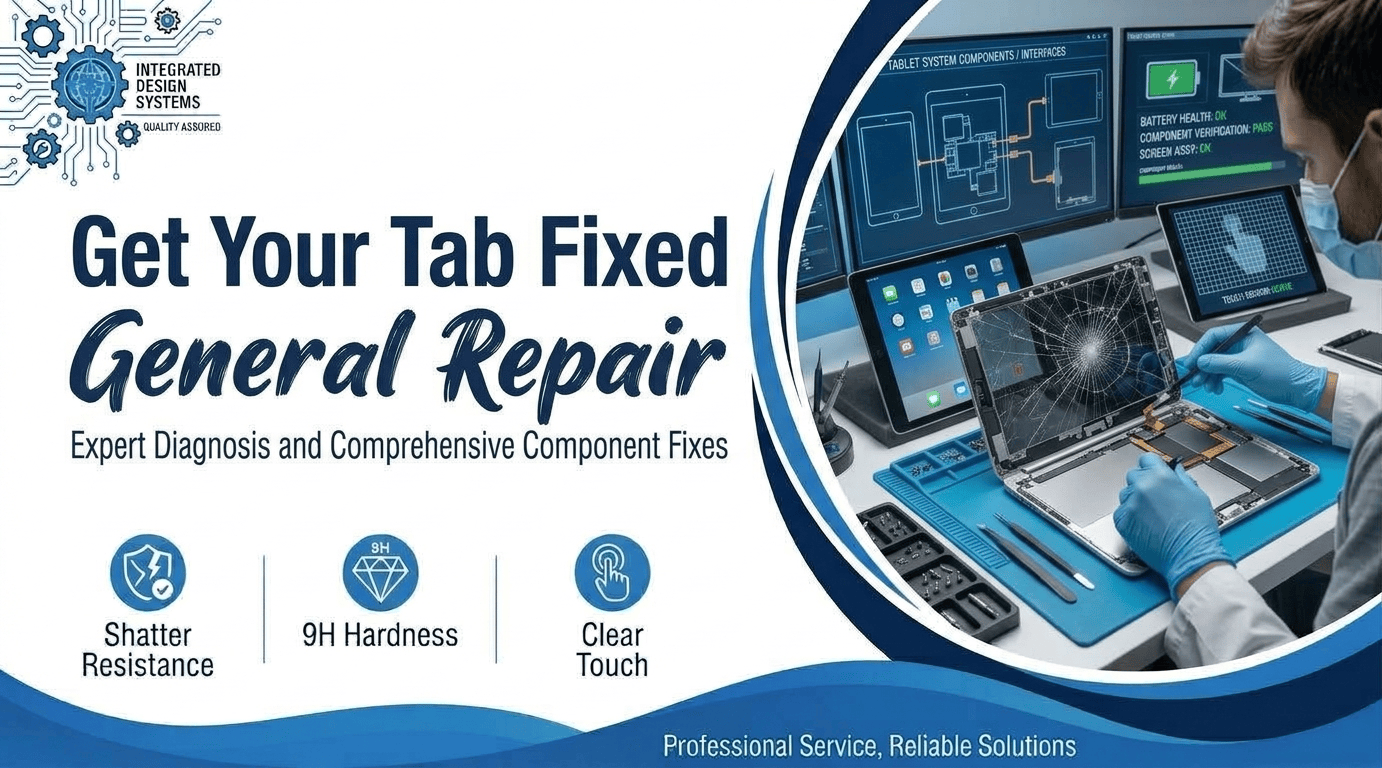
Are you staring at a cracked tablet right now? Your kid dropped it,t or it slid off a couch. The screen looks bad, and the touch works badly. A new tablet costs real money. Many people buy a new one. You often don’t need to. Getting your tablet fixed often costs less than replacing it. Cracks look scary, but many fixes are quick.
We repair tablets in Virginia every week. This guide shows what to do first. You’ll learn how repairs work and what to ask. Then you pick the right shop with confidence. We keep it simple. Most repairs are simpler than people think. Prices stay fair when you ask the right questions.
What Breaks Most Often on a Tablet
Tablets take a beating. Kids drop them. Backpacks crush them. Chargers wear out. These five problems come up most often. Check which one matches yours. Each has a clear fix. Most are cheaper than you fear. Knowing the cause helps you talk to a technician. Describe the symptom in plain words.
- Cracked Glass: You will hardly find any device without a cracked screen nowadays. A tablet screen fix is mainly the replacement of the glass and touch layer. Our technicians complete most of the repairs before you can finish a movie. The tablet is as good as it was out of the box. However, a minor crack can grow into a big one quickly, hence the importance of timely intervention. Waiting for the best moment usually makes the repair bill much higher at the end.
- Weak Battery: Is your tablet just dying at around 40% battery life, right? It might be swelling due to a bad battery, which also has the danger of making the screen pop off. Battery replacement will get the normal usage time back for you. You should not use a tablet with a swelling battery, as this may cause permanent damage. As time goes by, even aged batteries become a performance drag for your tablet’s whole system. It would be wise to get one replaced before it gives up and stops functioning, which would cost a lot of money to repair!
- Charging Trouble: Your cable seems to be properly plugged in, yet nothing happens. The most common culprits are lint buildup inside the charging port or that little bend on the connector. Cleaning may work for some cases, while others will require a new port altogether. You should never try to force a cable into a loose port since you will most likely break the pins.
- Dead Touch: Your finger touches the screen at spot A, but the action appears at spot B. Alternatively, the app you are trying to use simply ignores your tap. The first thing that one suspects is a damaged digitizer. A good shop can identify the issue in a short period, for example, less than an hour. Ghost taps are among the signs that your device is going through some issues.
- Water Damage: If you happen to get your device soaked by a liquid, you should quickly switch it off and avoid charging it. This may further damage the components of your gadget. Leaving the phone soaked will definitely result in even worse internal damage, hence the need to immediately do something about it. Putting rice in there just isn’t going to help a soaked electronic device recover. A professional repair service will open the device for you and carefully dry it out.
Before You Get Your Tab Fixed
A little prep saves you stress. Spend ten minutes on these steps. They protect your photos and your wallet. Then you get your tab fixed with fewer surprises. Skip none of them. Each takes little effort.
Back Up Your Data
Copy photos and files to the cloud or a computer. A cracked screen sometimes dies without warning. Shops protect your data, but backups are smarter. Do it before you leave home. Write down your passcode too. Photos you can’t replace come first. Open your cloud app and check the upload. Use a cable and computer if Wi-Fi is slow.
Stop Using the Screen
Cracked glass cuts fingers. Cracks also spread with every touch. Power the tablet off and keep it flat. Clear tape over the glass holds shards in place. Bring it in soon. Kids and pets should stay away from it. Sharp edges hide in the corners.
Check Your Warranty
Look at your purchase date and any plan. Read your plan before you choose a shop. Under warranty, the maker might fix it for free. Third-party shops often cost less than the maker. Ask first, then decide. Keep your receipt handy. It speeds up any claim.
Questions to Ask Before You Hand It Over
Not every shop treats you well. A few questions sort the good from the bad. Ask them before you get your tab fixed. Honest shops answer fast. Walk out if they dodge. Trust your gut here. A calm, clear answer is a good sign.
Price
Request a written, upfront quote that includes both parts and labor. Unexpected fees signal a lack of professionalism. We don’t add charges at pickup. Check if the price changes after opening the tablet.
Warranty
A trustworthy repair warranty covers parts and labor. Find out for how long and get the terms in writing. No-warranty services deserve suspicion. Short warranties usually are a sign of cheap materials.
Parts
Make sure to find out which parts will be used on your tablet. Better parts cost more, but it would not be the end of the world. Cheap display panels can often have display quality issues. Quality parts last longer. You could ask the name of the brand of the parts used.
Speed
Let the technician know how fast the screen issue was fixed by him before. Many shops offer same-day screen replacement. Rare parts may take a couple of days. Let the technician at the shop call you. Consulting in the shop is complimentary, so you can decide your schedule easily.
Privacy
You can ask the technician about their data usage policies. Privacy protection is very important when your device has personal pictures. The professional technician will not go through private stuff like your photo gallery, for example. We follow the same standard. Your passcode stays with you.
Repair or Replace: How to Decide
Money drives this choice. A new tablet is not always smarter. Run a quick check before you spend. Three situations cover nearly everyone. Find yours below. Be honest about how you use the tablet. A kitchen tablet lives a rougher life than a bedside one.
When Repair Wins
Repair wins for newer tablets with one broken part. A screen or battery costs less than a new device. You keep your apps, files, and settings. Getting your tab fixed means no setup headaches. Most owners feel relieved. Fixing also creates less waste.
When Replacing Makes Sense
Old tablets stop getting updates. Spare parts get hard to find. Repair costs add up fast on those models. If three parts fail at once, buy new. Don’t pour money into a dying device. Software support matters more than the screen. Check your model’s update list online.
A Simple Price Rule
Ask for the repair quote. Compare it with a similar new tablet. If repair costs half or more, think hard. Under half, I pick repair. Every time. Add a little for your time and stress. Round numbers help you decide.
Why a Local Shop Wins
I prefer a local shop over mail-in repair. You talk to a real person. You see the quote before work starts. Nothing ships, so nothing gets lost. You also skip the long wait for a parcel. A tablet computer packs glass, a battery, and tiny cables. Shipping risks all three. A local shop gets your tab fixed with less risk. See our tablet repair page and cracked tablet screen guide. Phone calls beat web forms every time. You get answers in minutes.
Mr. Repair USA Will Help You Get Your Tablet Working Again
Broken tablets slow down your work, school,l and fun. Mr. Repair USA has served Virginia for over 10 years. We fix tablets, phones, laptops, and game consoles. Most tablet jobs take under an hour in Alexandria.
Our certified technicians use quality parts. Every repair comes with a warranty on parts and labor. You get a clear quote before any work starts. No surprise charges at pickup. We keep your data private. Hundreds of customers left us five-star reviews. Your first consultation is free. We fix tablets fast and explain every step.
We handle iPads and Android tablets. Mobile repair visits are also offered. Not sure what you need? Ask us. We have shops in Alexandria, Woodbridge, and Washington, DC. Call Alexandria at (571) 317-8195 or visit mrrepairusa.com.
Conclusion
A cracked tablet is not the end. Back up your files first. Get a clear quote and a warranty. Pick repair when the price is fair. Do you want your tab fixed the easy way? Stop by Mr. Repair USA for a free check. We’ll tell you the honest price. Then you decide. Small repairs now prevent big bills later. Take five minutes and call.
Frequently Asked Questions
How much does it cost to get a tablet fixed?
Price depends on your model and the damage. Newer and larger tablets cost more. Ask for a written quote before work starts. Compare it with a similar new tablet. Get quotes from two shops if you like.
How long does tablet repair take?
Most screen repairs take under an hour at our shops. Special parts add a few days. Call ahead so we can confirm stock for your model. Battery swaps often finish the same visit.
Is it worth fixing a cracked tablet?
Yes, if repair costs are under half of a new one. Newer models usually pay off. Old models often do not. Check the update list for your model. Replace when updates have stopped.
Is it safe to use a tablet with a cracked screen?
Not for long. Glass cuts fingers and cracks spread. Dust and moisture reach the inside. Power it off and book a repair soon. Tape helps until your visit.
Where do I get my tab fixed in Northern Virginia?
Mr. Repair USA fixes tablets in Alexandria and Woodbridge. We also serve Washington, DC. Most jobs take under an hour. Call before you visit so we can confirm parts. Every repair has a warranty and an upfront quote.