
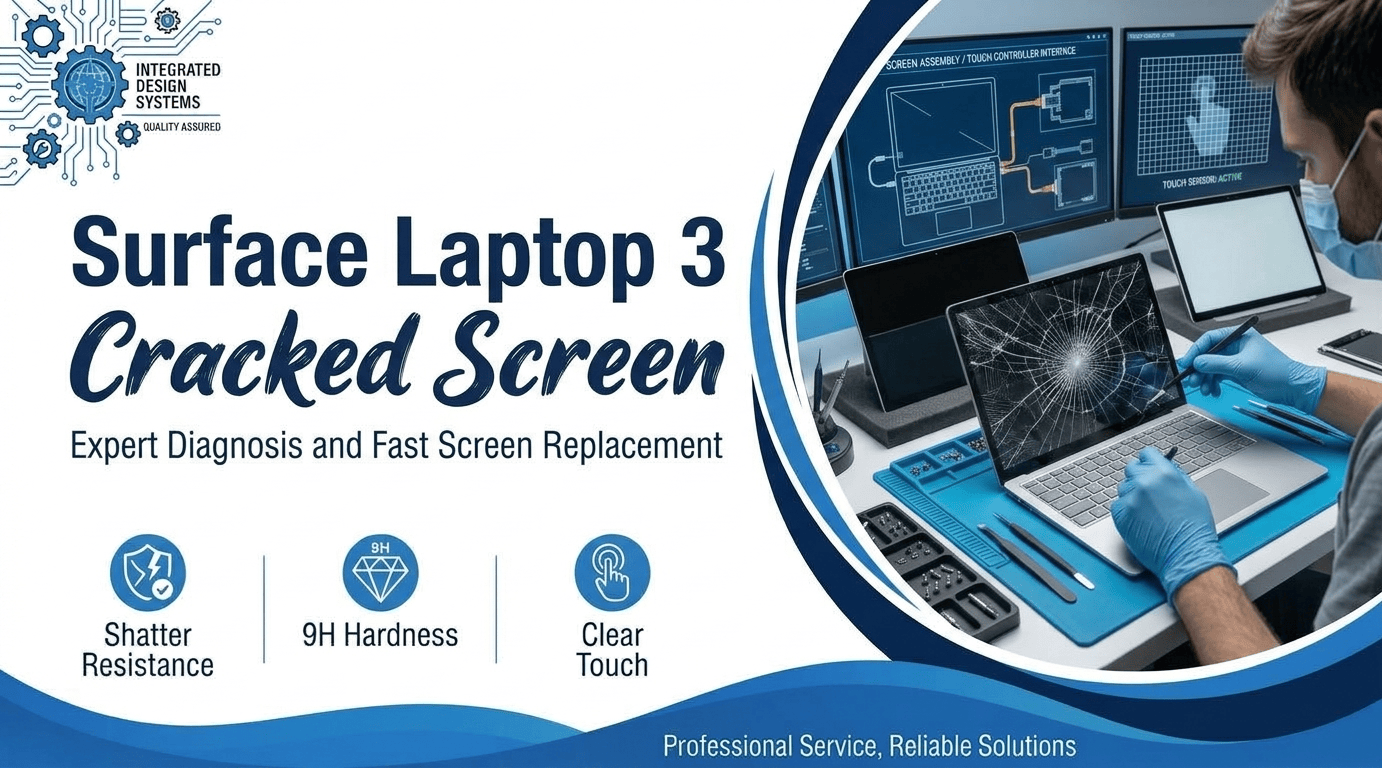
Do you own a Surface with a crack from nowhere? You treated it gently. It lived on a desk. One morning, a Surface Laptop 3 with a cracked screen stared back. Owners shared the same story online. In February 2020, reports hit forums and news sites. Microsoft later named a cause. Free repairs followed for covered units.
Some owners had already paid. Warranty status changes everything. A few checks take five minutes. This post explains the cause, the signs, and your options. You will leave with a clear plan. Read it, then decide before you spend a dollar.
Spot the Damage Before It Spreads
A fresh crack hides well. Finding a Surface Laptop 3 cracked screen early saves money. Use a bright lamp and a steady hand. Take two minutes now. Then work down this checklist.
- Scratch Lookalike: A crack catches your fingernail, but a scratch does not. Test it with the screen off. Then check it with the display on. A Surface Laptop 3 screen crack shows best on black.
- Shadow Lines: Odd shadows grow out from one corner. Light bends around the break. A Surface Laptop 3 screen protector hides lines. Peel it off before you check.
- Touch Glitches: Ghost taps start near the crack. Compare both sides of the screen. Swipes stop halfway across the screen. This Surface Laptop 3 touch not working issue grows fast. Test every corner with a finger.
- Black Ink Spots: Dark blotches spread like spilled ink. The panel under the glass has failed. This Surface Laptop 3 LCD damage needs a new panel. Stop using the screen right away.
- Glass Dust: Tiny glass flakes sit on the keyboard deck. A Surface Laptop 3 15-inch cracked screen sheds them. Lift them with tape, not a dry cloth. Wear gloves if the edges feel sharp.
Where the Crack Comes From
Three ideas explain most cases. Microsoft backs one of them. Owners back the other two. All three put squeeze on thin glass. No drop is needed. Read each one, then match your own case below. We’ve handled thin laptops with the same pattern.
Grit Trapped Behind the Glass
Microsoft’s own page names a hard foreign particle. A tiny grain rides along in your bag. It lands on the keyboard deck. You shut the lid. All the force hits one dot of glass. A hairline fracture starts there. A Surface Laptop 3 cracked screen starts with grit sometimes. Blow the deck clear before closing. A microfiber cloth works well. Do it every time.
A Lid With No Room to Flex
Some owners hear a crunch as the lid closes. They say the gap above the keys is tiny. A flexing lid presses glass into the deck. Metal bodies drew most of the complaints. Lifting it by the screen bends the lid more. Hold the base instead. Use a padded sleeve in your bag. Skip tight backpack pockets.
Two Bodies, Two Outcomes
Some Surface Laptop 3 units had fabric decks. Reports mostly named the aluminum ones. Some owners said replacements cracked too. This hints at a design issue, not bad luck. The 15-inch size came in metal only. Check which deck you own first. Then match it to the reports. We lean toward design as the root cause.
Costly Habits to Drop Right Now
Stress makes people rush. A Surface Laptop 3 cracked screen punishes rushing. Drop these five habits first. Each one adds time and money to the repair. Calm hands save real cash.
- Paying Before Asking: Microsoft offered free repair for this crack during warranty. Ask Microsoft about a free repair for the Surface Laptop 3 first. Pay nothing until you hear back. Keep receipts for any past fix.
- Pressing the Break: Fingers push shards deeper. Pressure widens the line. A cracked Surface Laptop 3 screen fix costs less with whole glass. Hold the lid by its edges.
- Cheap Glass From Online Sellers: Low prices hide weak parts. Colors fade and touch lags. Ask for the part grade in writing. A Surface Laptop 3 glass replacement needs an exact fit.
- Home Prying: Surface screens use strong glue and thin cables. A flat tool slips easily. One slip rips a ribbon cable. Book Surface Laptop display repair with a pro instead.
- Ignoring the Crack: Cracks grow with each open and close. Dust and moisture creep in. Waiting pushes up your Surface Laptop 3 repair cost. Back up your files tonight.
Choosing Who Fixes It
Three roads lead out of this mess. Each fits a different laptop and budget. Prices swing with the model and the panel. Always get quotes in writing. Call two places before you decide. Photos of the crack speed up every quote. Send them by email first.
Start With Microsoft Support
Microsoft says covered units get free repair for this crack. Open a ticket with your serial number. Add photos and the purchase date. Request a review of your Surface Laptop 3 cracked screen. Microsoft decides coverage case by case. Owners who paid earlier should ask for a refund. Back up your files before shipping it. Shipping times vary, so ask first. Keep every ticket number.
Use a Local Repair Shop
Warranty ended already? Then a local shop often moves faster. Mr. Repair USA starts every job with a free consultation. We check your exact model and parts before quoting. You see the price in writing. Ask about the warranty on parts and labor. Compare our quote with Microsoft’s price. Local drop-off also skips shipping time. You get your laptop back sooner.
Know When to Move On
The Surface Laptop 3 came out in October 2019. Age matters here. Battery wear matters too. Old batteries lose hours fast. Get the repair quote, then check used prices. A used laptop might beat a pricey panel. Save your files either way. Run the numbers before you buy. Ask us for a quote; it costs nothing. Numbers beat gut feeling.
Microsoft’s Public Reply
Microsoft told reporters a limited number of owners saw cracks. Later it posted a support page. The page names a hard particle and offers free repair. Owners kept finding a Surface Laptop 3 cracked screen overnight. Reports surfaced about four months after launch. Forum posts also blamed a tight gap above the keys. We think Microsoft should have posted the notice sooner. Reports also appeared on Reddit. Photos and dates still help any claim.
Let Mr. Repair USA Get Your Surface Working Again
A cracked laptop stops your work. We know the stress. Mr. Repair USA has repaired devices for over 10 years. Certified technicians handle laptops, phones, tablets, and consoles. Our laptop repair page lists what we fix. For any Surface Laptop 3 cracked screen, we inspect first. Then we send a clear quote. You pay no hidden fees at pickup. Parts and labor carry a warranty. Many repairs finish the same day when parts are ready. Hundreds of five-star reviews come from Northern Virginia customers. Find us in Alexandria, Woodbridge, or Washington, DC. Browse every repair service before you visit. Touch problems on tablets? See our tablet repair page. Our team answers calls and explains each step. Call our Alexandria shop at +1 (571) 317-8195.
Conclusion
You likely did nothing wrong. Work the order: warranty, quotes, then repair. Skip glue and cheap panels. A Surface Laptop 3 cracked screen is fixable. Photos and receipts back up your claim. Pick one path this week. Waiting only widens the crack. Our shops in Alexandria, Woodbridge, and DC will help. Phone us with any questions. A free consultation comes with every visit. Will you call Microsoft first or compare quotes?
Frequently Asked Questions
Is a cracked Surface Laptop 3 screen covered by Microsoft?
Microsoft offers free repair for this crack during warranty. Drops follow different rules. Send photos and your serial number to Support. Microsoft makes the final call. Ask about past repair refunds too.
What does the first sign of a crack look like?
Look for a thin line near an edge. It spreads with each lid closure. Dark patches and touch glitches follow. Photograph it under bright light. Date every photo. Early repair costs less.
How long does a Surface Laptop 3 screen repair take?
Time depends on parts and the repair path. Mr. Repair USA checks parts first and quotes in writing. Many repairs finish the same day if parts are ready. Call to confirm your model.
Should I stop using my laptop after it cracks?
Yes, limit use right away. A Surface Laptop 3 cracked screen spreads with every close. Glass flakes also cut skin. Back up your files, then book a check.
Does a screen protector prevent this type of crack?
Not reliably. Some owners try one, and results vary. A Surface Laptop 3 cracked screen starts at the deck. Film adds no extra space. Wipe the deck and hold the base.