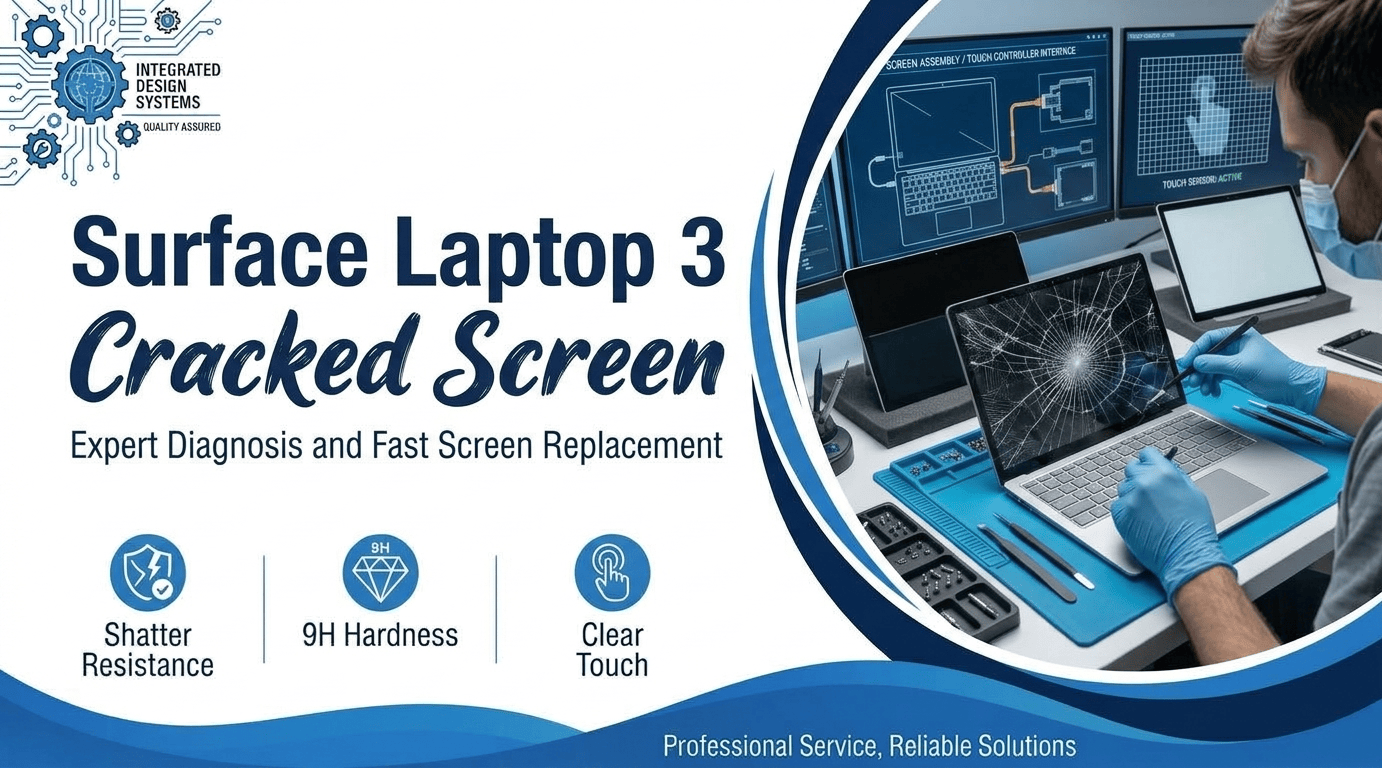
Do you own a Surface with a crack from nowhere? You treated it gently. It lived on a desk. One morning, a Surface Laptop 3 with a cracked screen stared back. Owners shared the same story online. In February 2020, reports hit forums and news sites. Microsoft later named a cause. Free repairs followed for covered units. Some owners had
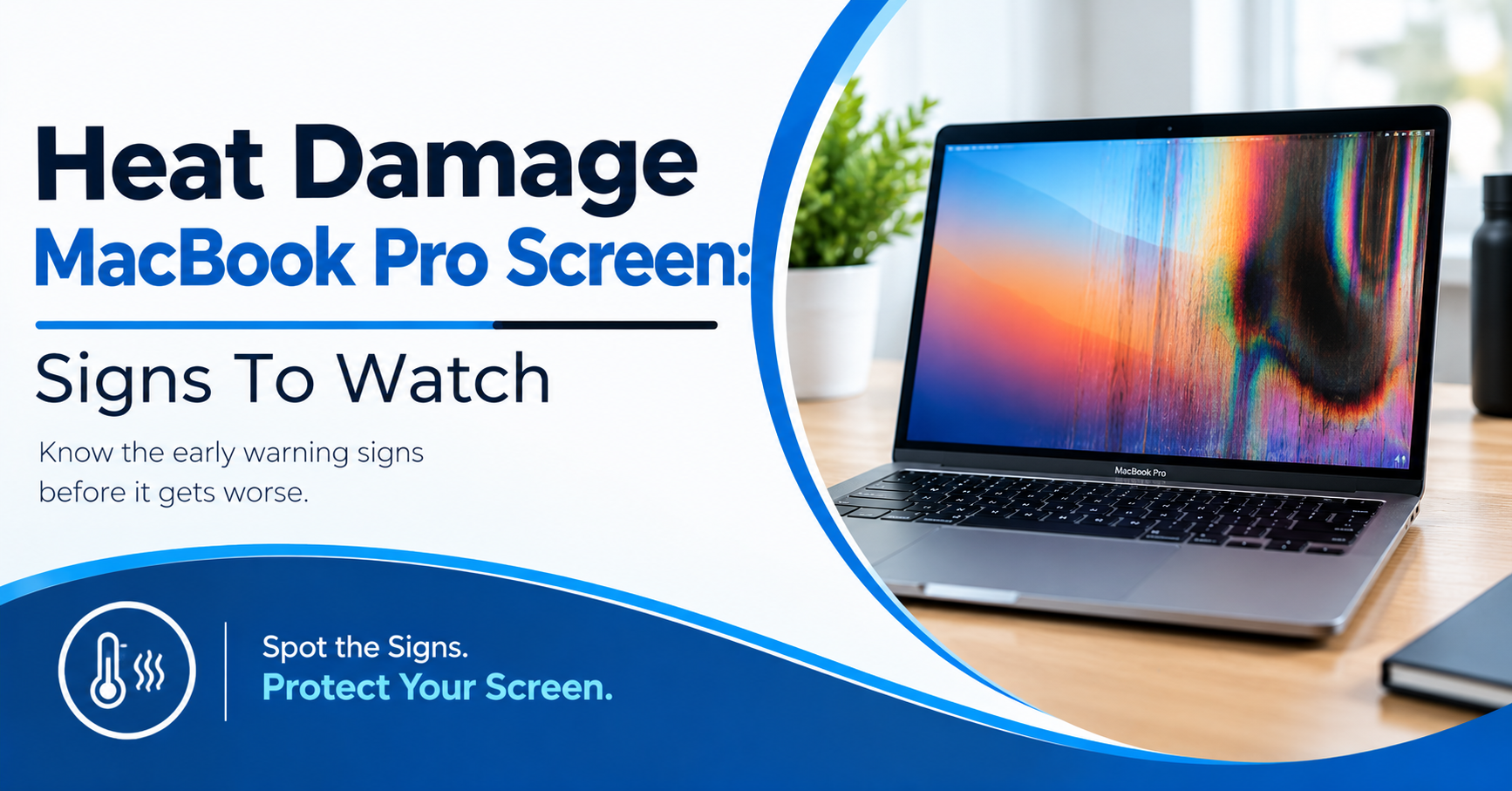
Have you ever seen odd spots on your MacBook screen after a long day? Now you worry about heat damage MacBook Pro screen. Most people blame heat right away. Pressure, software, and cables can look the same. Blocked vents and hot rooms can make things worse. Wrong guesses can waste your time and money. This guide shows the signs worth
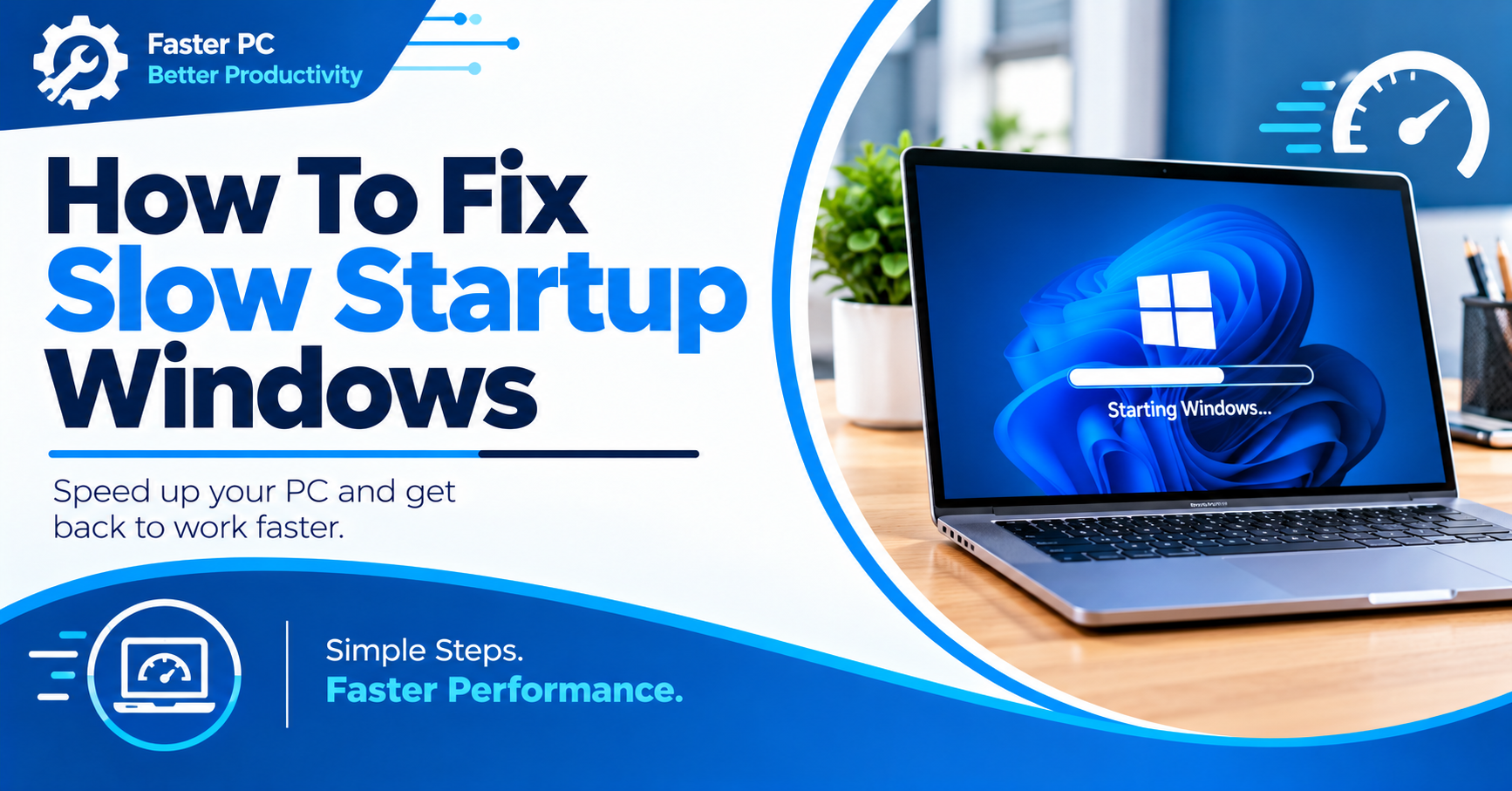
Have you ever waited minutes for your PC to start? Now you want to fix slow Windows startup for good. Most people blame the computer for being too slow. Too many apps often load at once. Full drives and old files add delay too. Slow starts can waste your whole morning. This guide shows easy steps you can try first.

Most Mac users should start with a normal restart. This method works when your screen and apps respond. Apple recommends using the Restart option inside the Apple menu. A normal restart closes open apps first. Your Mac then starts again from the system screen. This method works for MacBook Air, MacBook Pro, iMac, and Mac mini. The same Apple menu