
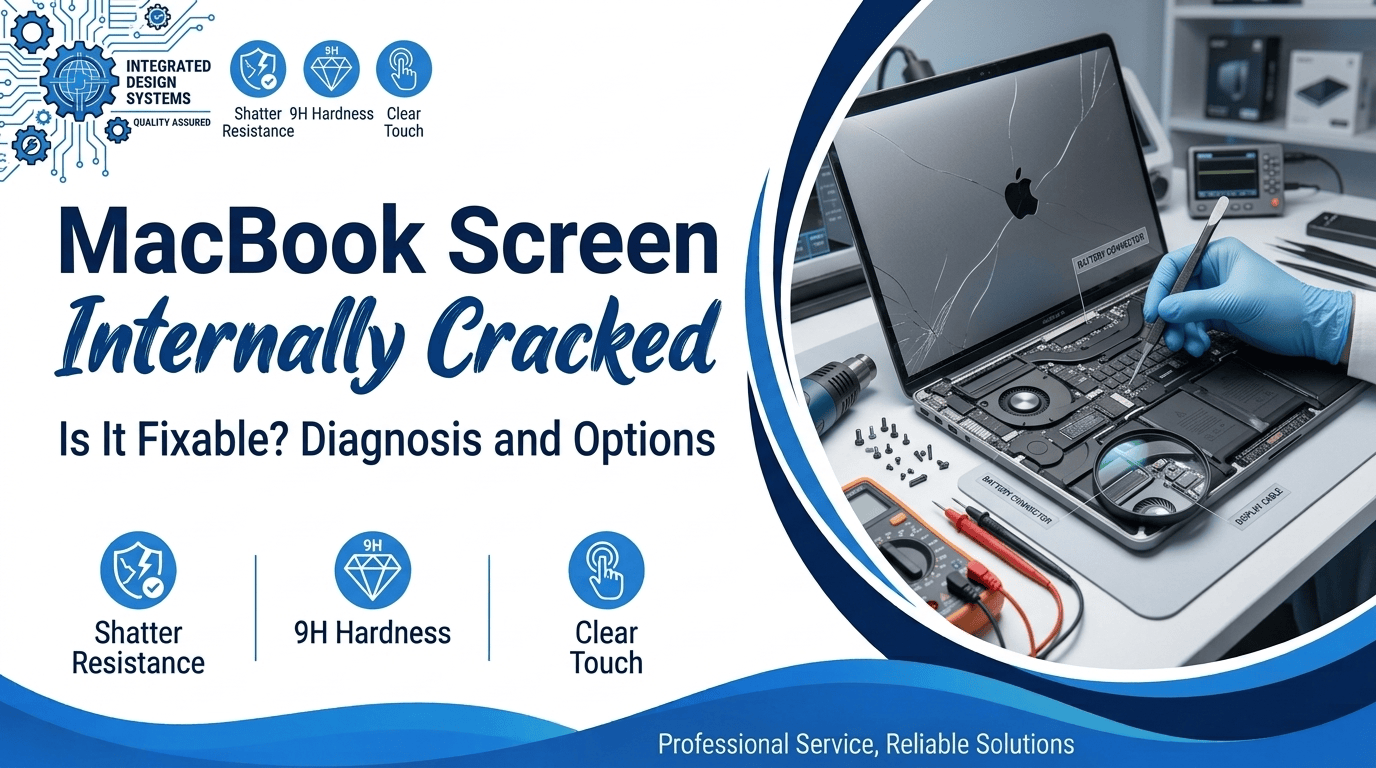
Are you staring at lines on your laptop display? Nothing hit it. You never dropped it or spilled a drink. Yet your MacBook screen cracked internally overnight. The glass looks smooth, which makes it confusing. The panel under the glass has broken. Many owners post the same story online. Most did nothing wrong.
The damage builds slowly inside the lid. Pressure from bags, crumbs, and hinges causes most cases. Blaming yourself helps nobody. This article shows the signs and the causes. You will also see repair costs and first steps. Read this before you touch the screen again.
MacBook Screen Cracked Inside but Not Outside: Signs to Check
The outer glass often looks fine. The damage sits in the liquid crystal display layers. Finding a MacBook screen internally cracked takes a close look. Check for these signs first.
- Colored Lines: Thin vertical or horizontal MacBook screen lines appear. They start at one corner. Then they spread across the display. Colors often shift from blue to pink. Some lines show only on dark pages.
- Black Patches: Dark spots grow near a corner. They look like spilled ink. This is MacBook LCD damage. Some stay small; others spread in a week. Check the edges for new growth.
- Flicker and Fade: The display flashes, dims,s or goes black for a second. This MacBook screen flickering often starts after lid movement. Watch for it closely. Loose cables near the hinge feel the same stress.
- Rainbow Haze: A faint rainbow patch shows on a white background. Open a white page to check the cracked laptop display. You won’t feel the crack with a finger.
- Photo Proof: Photograph the screen on a white page. Save the date too. It proves the MacBook display damage to Apple or us.
Why Did Your MacBook Screen Crack on Its Own?
MacBook lids are thin, and the metal flexes. Small forces add up over months. A closed lid looks safe. It still carries load from the keyboard and hinge. Most cracks trace back to three causes. We’ve seen them often at our Alexandria counter.
Pressure From Bags and Desks
A backpack squeezes the lid all day. Books, chargers,ers and tablets press on the glass. Only a thin gap separates the panel from the keys. One tight bag is enough. After a week of commuting, a MacBook screen cracked internally. The outside never took a hit, so nothing looked wrong. Thin sleeves add little padding. Give the laptop its own padded slot.
Debris Between the Keys and Glass
A crumb or pen cap sits on the keys. You close the lid. The glass presses on the bump. Pressure builds at one small point. Slowly, a hairline crack forms in the panel. Camera covers cause many cases (Apple warns against them). Even a grain of sand matters. Wipe the keyboard once a week. Check the keys before you shut the lid.
Heat, Hinges and Factory Flaws
Heat makes the layers expand at different speeds. A hot car bakes the laptop and the glue inside. A stiff hinge or a twisted lid adds stress. Some owners blame a factory flaw. Apple’s limited warranty covers manufacturing defects. An Apple Store or a service provider will inspect it. Ask for the findings in writing. Get the verdict first, then compare repair quotes.
Mistakes to Avoid After You Spot the Damage
Panic leads to bad choices. A MacBook screen with an internal crack needs gentle handling. These five mistakes make repairs cost more. Avoid every one of them. Small errors turn a panel swap into a bigger bill.
- Pressing the Spot: Don’t poke or rub the dark area. Pressure pushes the MacBook LCD crack wider. Leave the lid alone until a tech checks it. Light touches still feed the damage.
- Slamming the Lid: Close the lid slowly. Hold the middle of the top edge. Hard closes add stress to a weak panel. A shattered panel makes MacBook screen replacement cost more.
- Buying Cheap Parts: Cheap panels in MacBook Air screen repair fail fast. They show dull colors and dim light. Ask the shop which parts it uses. Request a warranty in writing.
- Trying DIY Videos: Videos make MacBook Pro screen repair look easy. The display cables are thin, and one slip tears them. Home repairs often end with a dead screen. The bill then grows.
- Waiting Too Long: Cracks grow with every open and close. A thin line becomes a black block in weeks. Early action keeps your MacBook screen replacement cost lower. Back up files while the screen still works.
Your Repair Options and What They Cost
You have three paths. Each one fits a different case. Price depends on the model, the panel, and the parts. Always ask for a written quote first. Prices change often, so call before you visit. Pick the path after you know the facts.
Apple Store or Authorized Provider
Apple fixes covered defects at no charge. Paid repairs cost more and take longer. Back up your files before you hand it over. Bring your receipt and your photos. Ask the staff to note the crack type. Request the repair number in writing. If your MacBook screen cracked internally within warranty, start here. The store decides if damage counts as a defect.
Independent Repair Shop
Local shops often fix the panel faster. Many give a free quote. At Mr. Repair USA, a free consultation comes first. We replace the screen and test the display. Many jobs finish the same day. Ask about the warranty before you pay. Compare the written quote with Apple’s price. Pick the one with a clear warranty.
Replace the Laptop Instead
Some MacBooks are old. A new panel costs more than the laptop is worth. Then a trade-in makes sense. Get the repair quote first. Compare it with the resale price of your model. A fresh quote takes a few minutes to get. Back up your data either way. Do the math before you buy new.
What Apple Owners Report
Forum threads show a clear pattern. Owners of M1 MacBook Air models post about early cracks. Many describe a MacBook screen internally cracked without any drop. Support staff send them to a store for review. We will not call every case a defect. Only an inspection shows the cause. Photos, dates, and receipts help your claim. Waiting weakens your case, so move fast. Save every email and ticket number. We think owners deserve a plain answer.
Mr. Repair USA Helps You Fix a Cracked MacBook Display
A broken display feels stressful. We keep the process simple. Mr. Repair USA has fixed devices for over 10 years. Our certified technicians handle phones, tablets, consoles, and laptops. Our laptop repair team replaces MacBook panels with quality parts.
Every repair carries a warranty on parts and labor. You get a free consultation first. No hidden fees show up at pickup. If your MacBook screen is cracked internally, we test it. Then we explain your options.
Many repairs finish the same day. Hundreds of customers left five-star reviews across northern Virginia. Visit us in Alexandria, Woodbridge, or Washington, DC. See all our repair services online. We also fix tablets, so ask about tablet screen repair. Your data stays safe in our hands. Call our Alexandria shop at +1 (571) 317-8195.
Conclusion
A cracked panel under clean glass is frustrating. A MacBook screen that is cracked internally still has a clear fix. Stop pressing the lid. Photograph the damage. Ask for a written quote. Compare Apple’s price with a local shop. A quick free check saves most owners time and money. Our shops in Alexandria, Woodbridge, and DC will take a look. Call us with questions. Is your laptop worth saving? We will tell you straight. Don’t wait for the lines to spread.
Frequently Asked Questions
What causes a MacBook screen to crack inside without a drop?
Pressure on the closed lid causes most cases. Crumbs, camera covers,s and tight bags press on the glass. Heat and hinge stress add to it. A shop will inspect the panel to confirm.
Do you need a new display for an internal crack?
Yes, in most cases. A MacBook screen with an internal crack needs a new panel. Broken layers do not mend on their own. A technician swaps the panel and tests it.
How much does MacBook screen replacement cost?
Price depends on your model and the panel. Air models usually cost less than Pro models. Mr. Repair USA gives a free quote first. Call for your exact price.
Does Apple warranty cover an internal screen crack?
Apple’s limited warranty covers manufacturing defects. It does not cover drops or pressure damage. An Apple Store inspects the laptop and decides. Bring your receipt and photos.
Is it safe to keep using a cracked MacBook screen?
Using a MacBook screen that is cracked internally risks wider damage. Use it as little as possible. Back up your files now. Keep the lid closed when you travel.