
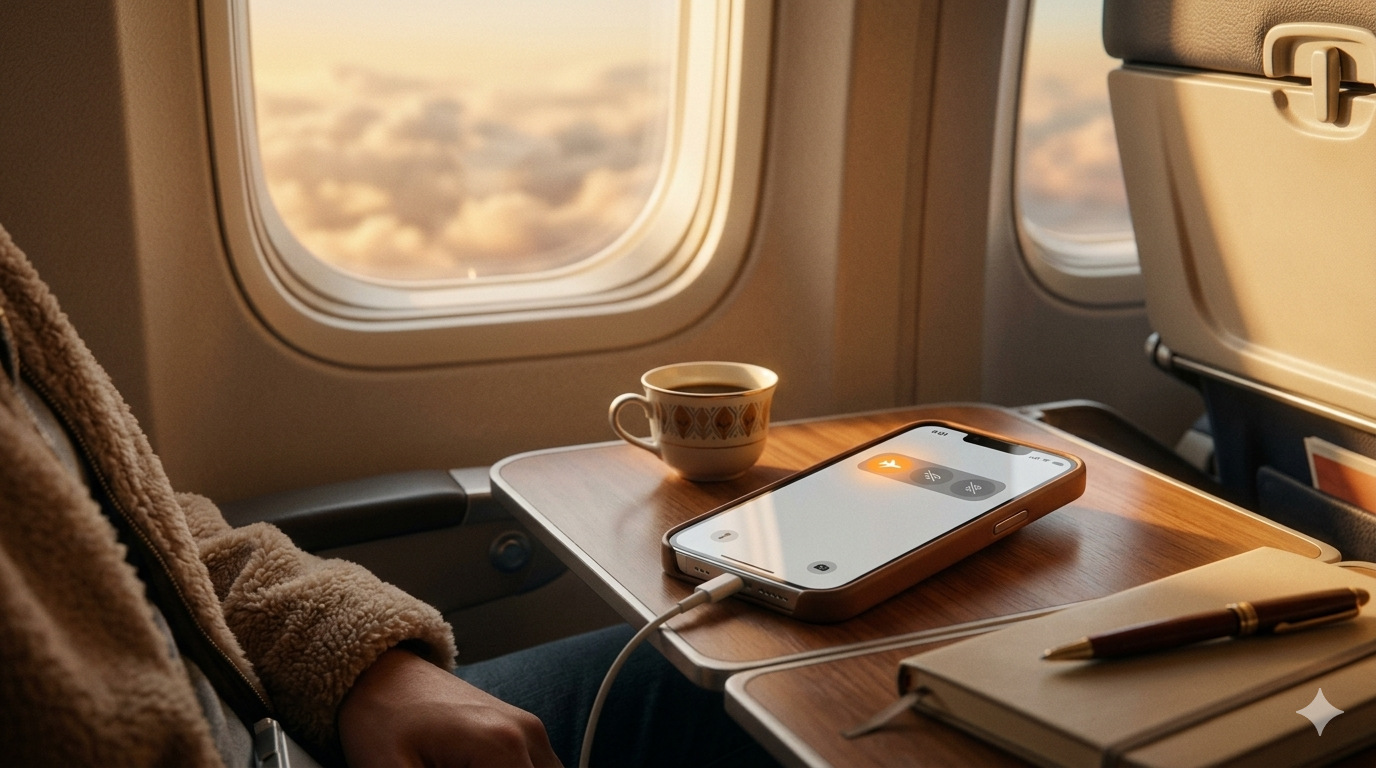
Do you turn on airplane mode on your iPhone without really knowing what it does? Most people just know it is for flights. But it actually does a lot more than that. What airplane mode do on an iPhone is a question many people never fully look into. It turns off calls, WiFi, Bluetooth, GPS, and more all at once. This guide explains everything about What Does Airplane Mode Do on an iPhone. Mr Repair USA helps iPhone users understand their devices every single day.
What Does Airplane Mode do Mean on Your Phone?
What airplane mode means on a phone is simple to understand. It turns off every wireless signal your iPhone sends and receives. Your phone stops talking to cell towers, WiFi, and Bluetooth devices. It all happens the moment you flip that one switch. Think of it as putting your iPhone on full silence from the outside world.
Why Was Airplane Mode Created?
Airlines needed passengers to turn off their cell phone signals during flights. Phone signals can sometimes disturb aircraft navigation systems. US law requires all phones to be in airplane mode on every domestic flight. That is where it started. But today, people use it for many other reasons too.
7 Things Airplane Mode Turns Off on iPhone
Thing 1: Cellular Service and Calls
Airplane mode on iPhone cuts off your phone signal completely. You cannot make or receive calls at all. Regular SMS texts stop working, too. This also helps if you have a weak signal. Turn airplane mode on for 10 seconds, then turn it off. Your iPhone reconnects to the nearest tower fresh. This often fixes bad signals faster than waiting around.
Thing 2: WiFi Turns Off
Airplane mode WiFi stops working as soon as you turn it on. Your iPhone disconnects from any network you were using. But here is a useful tip. You can turn WiFi back on while staying in airplane mode. Go to Settings and tap WiFi to turn it back on. This is perfect for using in-flight WiFi on a plane.
Thing 3: Bluetooth Turns Off
Does airplane mode turn off Bluetooth on the iPhone? Yes, it does. Your AirPods and Apple Watch lose connection right away. But again, you can turn Bluetooth back on manually. Go to Settings and tap Bluetooth. Now you can use your AirPods during a flight without turning on the cellular data.
Thing 4: GPS Gets Affected
iPhone airplane mode also affects your location. Cellular-assisted GPS stops working completely. But your phone can still use satellite GPS in some cases. Apps with downloaded offline maps may still work. This is useful for hikers who want to save battery on long trips.
Thing 5: iMessage and FaceTime Stop
Airplane mode iMessage stops working without WiFi or cellular. Your blue bubble messages will not be sent. FaceTime calls also become impossible. You will see a failed delivery notice in your messages. Turn WiFi back on if you want iMessage to work during a flight.
Thing 6: Notifications Stop Coming In
Does airplane mode stop notifications? Yes completely. No emails, no social media alerts, no app pings. Nothing gets through while airplane mode is on. This is actually a great benefit. Students use it to focus during study time. Workers use it during meetings to avoid distractions. All notifications arrive at once the moment you turn airplane mode off.
Thing 7: Background App Refresh Pauses
Apps constantly check for updates in the background. Airplane mode on iPhone stops all of that instantly. No app can ping servers or download anything. This is one of the biggest reasons airplane mode saves battery so well. All that background activity drains your battery without you even knowing it.
Does Airplane Mode Save Battery on iPhone?
Yes, and it works really well. Your iPhone constantly searches for cell towers and WiFi networks. That search uses a lot of battery power all day long. When you turn on airplane mode on your iPhone, all that searching stops. Your battery drains much more slowly after that. Turn it on when your battery hits 20 percent. You will get much more time out of your remaining charge.
How Much Battery Does It Save?
Airplane mode can increase battery life by 30 to 50 percent in some cases. iPhones in weak signal areas drain faster because they search harder. Turning on iPhone airplane mode in a weak signal area saves the most battery. Your phone stops wasting energy looking for a signal that is not there.
What Happens When Someone Texts or Calls You in Airplane Mode?
When someone calls you, their call goes straight to voicemail. Your phone does not ring at all. They cannot tell if you are in airplane mode or just turned off. When someone sends an airplane mode iMessage, it stays undelivered. It shows one gray checkmark instead of two. All missed calls and messages arrive the moment you turn airplane mode off.
What If You Do Not Turn On Airplane Mode on a Flight?
Your phone keeps searching for cell towers at 35,000 feet. It works much harder than usual, which drains your battery fast. Pilots have reported hearing buzzing in their headsets from phone signals. This happens during critical moments like landing. US law requires airplane mode on every domestic flight. It takes one second, and it is just the right thing to do.
3 Surprising Ways to Use Airplane Mode at Home
Fix a Weak Signal Fast
Turn airplane mode on for 10 seconds, then turn it off. Your iPhone reconnects to the strongest tower nearby. This fixes weak signals faster than restarting your whole phone.
Charge Your iPhone Faster.
Your iPhone charges faster in airplane mode. All those radio signals use power even while charging. Turning them off lets your iPhone focus on charging only. A 30-minute charge in airplane mode beats a 45-minute normal charge easily.
Sleep Better at Night
No calls, no notifications, no buzzing while you sleep. Your alarms still work perfectly in airplane mode. This is one of the simplest ways to get better sleep every night.
How to Turn Airplane Mode On and Off
There are three easy ways to turn on iPhone airplane mode.
Method 1: Swipe down from the top right corner of your screen. Tap the airplane icon. It turns orange, and all signals turn off.
Method 2: Open Settings and tap Airplane Mode at the very top. Toggle the switch on.
Method 3: Say “Hey Siri, turn on airplane mode,” and it happens instantly.
Need Help With Your iPhone?
If your iPhone has signal problems or any other issues, visit mrrepairusa.com. Mr Repair USA fixes every iPhone problem fast and at great prices. Our team is way more affordable than the Apple Store. Book your appointment today.
Now You Know What Airplane Mode Does
What airplane mode does on an iPhone is no longer a mystery. It turns off cellular, WiFi, Bluetooth, GPS, notifications, and background refresh all at once. Use it on flights to follow the rules. Use it at home to save battery and charge faster. Turn it on and off to fix weak signal issues quickly. If your iPhone has any problems, visit mrrepairusa.com today. Mr Repair USA fixes every iPhone airplane mode and signal issue fast.
Frequently Asked Questions
What are the benefits of airplane mode?
Airplane mode saves battery, speeds up charging, and blocks all distractions. It also helps fix weak signals when you turn it on and off quickly.
What happens if someone texts you while your phone is in airplane mode?
Their airplane mode iMessage stays undelivered until you turn airplane mode off. It shows one gray checkmark on their screen instead of two.
What happens when your phone is in airplane mode, and someone calls you?
Their call goes straight to voicemail. Your phone does not ring at all. They cannot tell if you are in airplane mode or if your phone is off.
Why would someone put their phone on airplane mode?
People use iPhone airplane mode to save battery, sleep better, focus without distractions, and charge their phone faster at home.
Does airplane mode turn off Bluetooth on the iPhone?Does airplane mode turn off Bluetooth on the iPhone?
Yes, Does airplane mode turn off Bluetooth on iPhone? Yes, by default. But you can turn Bluetooth back on manually in Settings while staying in airplane mode.
