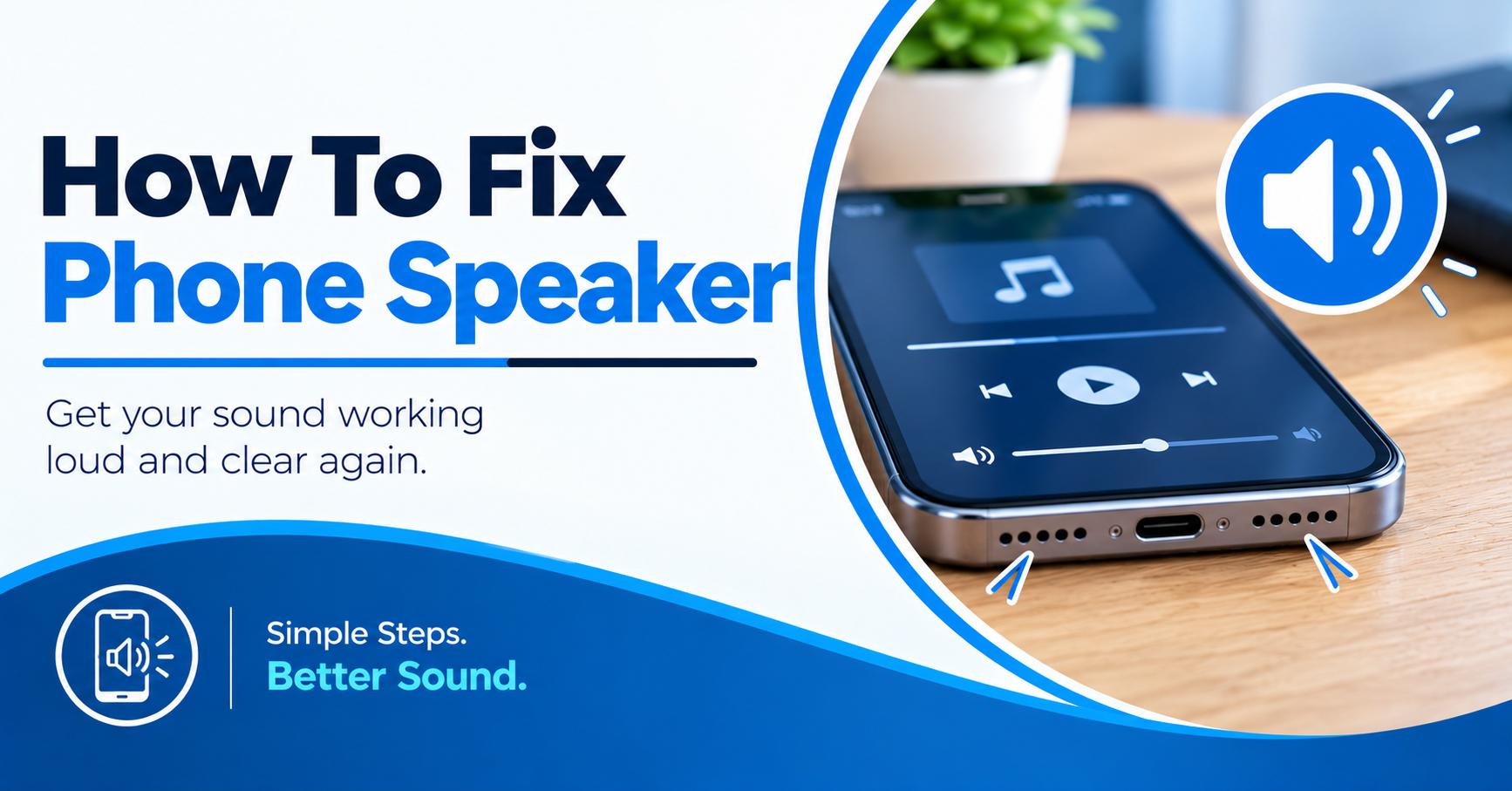
Your phone suddenly stops making sound. You raise the volume, but nothing happens. Music stays silent, while your screen works fine. Sometimes, the speaker itself isn’t the problem. Bluetooth might send sound somewhere else. Dust might cover the speaker opening. A case might block the sound path. (Fix a phone speaker).
Water might also make the sound weak or muffled. Software glitches sometimes cause the same problem. So, don’t open your phone right away. Start with simple checks before seeking repair. This guide shows how to fix phone speaker problems safely. You’ll learn what to check first. You’ll also learn when repair makes more sense.
Check These Problems Before Seeking Repair
Start with simple checks before touching advanced settings. Many speaker issues come from settings, blocked openings, or connected devices.
- Volume Level: Raise media volume while music plays.
- Bluetooth: Disconnect earbuds, cars, and wireless speakers.
- Silent Mode: Check mute and sound settings first.
- Speaker Opening: Look for dust, lint, or dirt.
- Phone Case: Remove cases covering speaker openings.
These checks take only a few minutes. They also avoid needless repair costs.
Test Your Phone Before Making Changes
A quick sound test gives you useful clues. Don’t test only one app. Try music, videos, calls, and ringtones.
Play Music Or A Video
Open your music or video app first. Raise the media volume while playing sound. Listen for weak, rough, or missing audio.
Then try another video or song. One broken app shouldn’t affect every sound. If every app stays silent, continue checking.
Make A Speakerphone Call
Call someone you trust for this test. Turn speakerphone on during the call. Listen for clear voice output.
If regular calls work, test speakerphone too. This helps separate speaker problems from call problems. It also shows which speaker needs attention.
Test Your Ringtone
Open your phone’s sound settings. Play the ringtone preview several times. Check whether any sound comes through.
If the ringtone stays silent, check volume settings. Also check silent mode and focus settings. These settings often block alerts and calls.
How To Fix Phone Speaker Problems
Most basic checks take little time. Start with volume and sound settings. Then check Bluetooth and physical blockages.
- Raise Media Volume: Adjust volume while music plays.
- Turn Bluetooth Off: Stop sound from reaching other devices.
- Restart Your Phone: Clear temporary software problems.
- Remove the Case: Check whether it blocks speaker openings.
- Check For Moisture: Keep wet phones away from heat.
If sound returns after one step, stop there. Don’t change extra settings without reason.
Clean The Speaker Without Causing Damage
Dust often gathers near phone speaker openings. Pocket lint makes this problem worse. Dirt might make sound seem quiet or muffled. Turn your phone off before cleaning. Use a clean, soft, dry brush. Gently brush the outside speaker opening.
Don’t push objects into speaker holes. Avoid needles, pins, and metal tools. Don’t pour liquid onto the speaker. A soft microfiber cloth also works around edges. Keep moisture away from charging ports too. If cleaning changes nothing, continue testing. The problem might sit deeper inside.
Why Your Phone Speaker Sounds Muffled
Muffled sound often points toward blocked openings. A thick case might cover part of them. Dust might also reduce sound output. Water exposure creates another common problem. Even small amounts of moisture affect sound. Sound might become weak after rain or spills.
Don’t use a hair dryer on your phone. High heat might damage internal parts. Let the phone dry naturally instead. If sound stays muffled afterward, seek repair. Internal moisture might need professional testing.
Check Bluetooth And Connected Devices
Your phone might send sound somewhere else. This happens often with wireless earbuds. Cars and speakers can create the same issue. Turn Bluetooth off for a quick test. Then play music again through the phone.
Also remove wired headphones if connected. Some phones keep headphone output active briefly. Check the audio output menu when available. Select the phone speaker as the output. Then test music, calls, and alerts again.
Restart Your Phone
A restart fixes many temporary phone problems. Software glitches sometimes affect sound output. Close your open apps first if possible. Then restart the phone normally.
After restarting, wait for the home screen. Play a video and test sound again. Try a speakerphone call afterward. If sound returns, watch the phone for repeated problems. Frequent sound failures need closer testing.
Check Software And Recent Apps
A new app might affect phone sound. Some apps change audio settings in the background. Others might create conflicts with phone software.
Think about when the problem started. Did you install an app recently? Did you change sound settings before it happened? Remove suspicious apps one at a time. Restart the phone after each removal. Test sound after every change.
Android phones also offer Safe Mode. Safe Mode turns off downloaded apps temporarily. If sound returns there, an app might be causing trouble.
Check For Water Or Physical Damage
Look at your phone’s recent history. Did it fall onto a hard floor? Did water reach the speaker area? Drops might damage internal speaker parts. Water might cause corrosion inside the phone. Both problems often need professional testing.
Don’t press hard on the speaker opening. Don’t shake the phone aggressively. Don’t insert tools into the speaker grille. If the phone shows other damage, stop testing. Professional repair gives you a safer path.
How To Fix Phone Speaker After Water Exposure
Water damage needs extra care from the start. Turn the phone off if possible. Disconnect the charger and other accessories. Dry the outside with a soft cloth. Keep the phone away from heat. Don’t use rice as a repair method.
Don’t charge a wet phone. Charging might worsen internal electrical damage. Give the device proper time before testing. If sound stays weak, seek professional inspection. Moisture might remain inside the speaker area.
When Phone Speaker Repair Makes Sense
Some problems won’t respond to basic checks. A speaker might fail after a hard drop. Water damage might also cause lasting sound issues.
A damaged speaker often produces crackling sounds. It might also stay silent across every app. Test different sound sources before seeking repair. Check music, calls, videos, and ringtones. Write down which sounds still work.
Tell the technician about drops or water exposure. Also mention recent repairs or part changes. These details make diagnosis easier and faster.
Don’t Try Risky Speaker Repairs At Home
Opening a modern phone requires special tools. Internal parts sit close together. Small mistakes might damage other parts.
Don’t pry open the screen without training. Don’t use sharp tools near speaker openings. Don’t pour cleaning liquid into speaker holes.
A speaker problem might involve more than one part. A trained technician should test the phone first. This saves you from turning one repair into two.
How Mr. Repair USA Can Help
Mr. Repair USA provides smartphone repair services. The team also repairs tablets and laptops. Game console repair services are available too. Certified technicians handle device repair work. Most repairs receive same-day service. Many customers get their devices back within hours.
The company gives upfront repair estimates. You know the expected cost before work starts. There are no hidden repair charges. Mr. Repair USA also uses high-quality repair parts. Parts meet or exceed OEM standards. Repairs receive warranty coverage as well.
The team handles speaker and other phone problems. Services cover major smartphone brands and models. Privacy also receives close attention during repairs. For local support, call the Manassas location. The number is +1 (571) 632-8163. Alexandria customers can call +1 (571) 317-8195. Woodbridge customers can call +1 (571) 706-3723.
Conclusion
Phone speaker problems often start with simple causes. Check volume, Bluetooth, cases, and speaker openings first. Restart your phone before changing deeper settings. Keep moisture away from your device. Avoid sharp tools and risky home repairs. Persistent silence needs professional testing. Mr. Repair USA offers local phone repair services. Call the nearest location if basic checks fail.
FAQs
How do I fix phone speaker problems?
Start by checking volume and Bluetooth. Remove the case and inspect the speaker opening. Restart your phone. If sound stays absent, seek professional testing.
Why is my phone speaker suddenly quiet?
Dust, lint, moisture, or a blocked case might reduce sound. Bluetooth routing and software issues might also cause low speaker volume.
Why does my phone have sound during calls?
Your top earpiece speaker might still work. The bottom speaker might have a fault. Test music, videos, and speakerphone calls separately.
How do I fix a muffled phone speaker?
Remove the case and check the speaker opening. Gently clean any dirt with a dry, soft brush. If moisture caused the issue, seek repair.
Should I repair my phone speaker?
Repair makes sense when basic checks fail. Drops, water damage, crackling, or total silence suggest internal trouble. A technician should test the device first.