
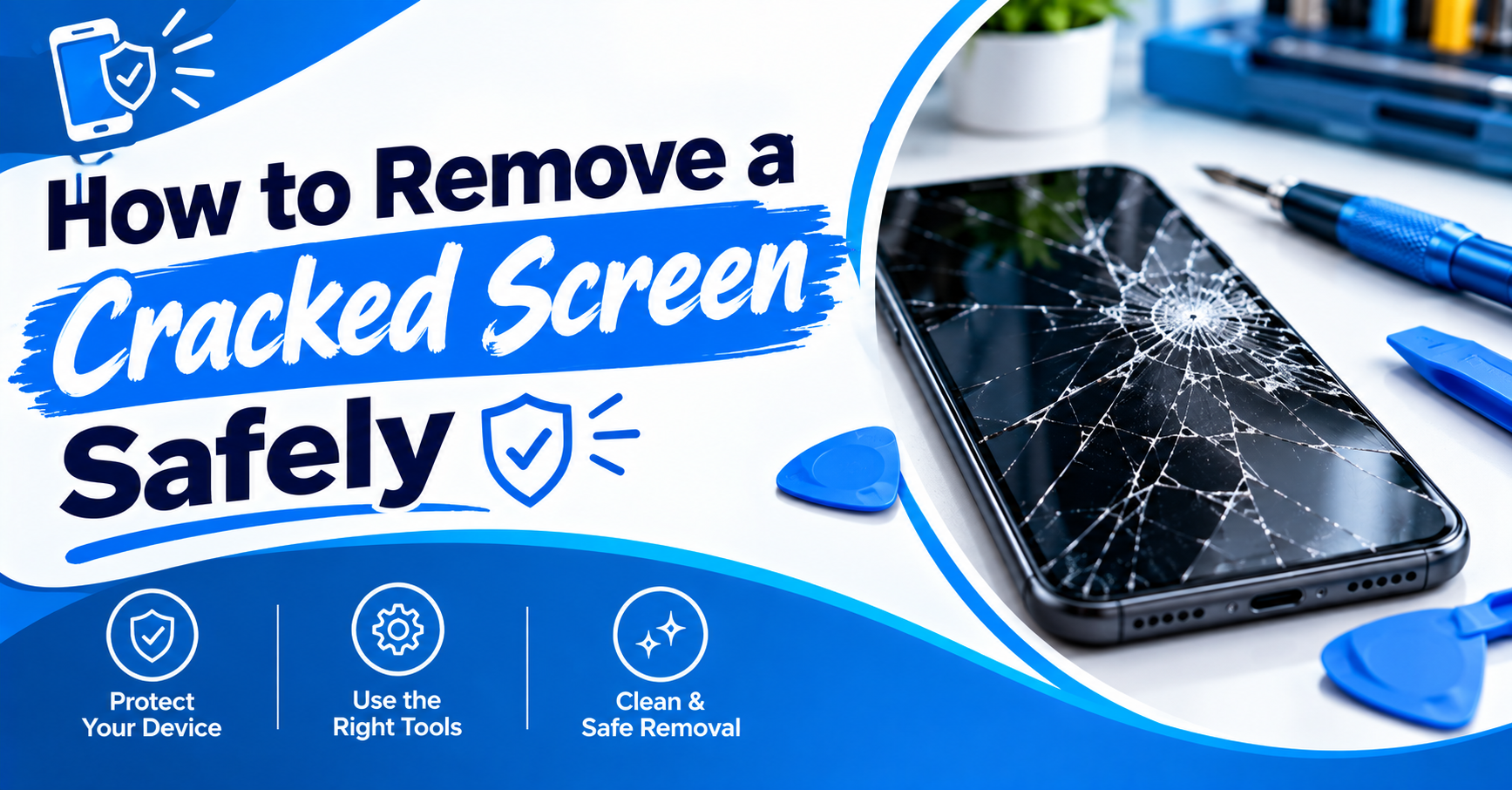
Have you ever dropped your phone and panicked? Now you wonder how to remove a cracked screen. Most people rush and skip the basic checks. Phones use strong glue and tiny cables. One small slip can cause bigger damage. Your phone can look fine and still hide damage. Loose glass can also hurt your fingers. This guide shows you the safe steps to follow. You will also learn which tools you need. We will cover the signs of a broken display. You will know when to call a pro. Do not worry because we will go slowly. Each step will be short and easy to follow. You can stay calm and careful. Let’s make this repair feel simple and safe.
Signs Your Screen Needs Removal
Before opening your phone, check the damage closely. This quick check can save you from extra repair work.
- Broken Glass: Loose glass can cut your fingers during removal.
- Touch Problems: Dead areas often point toward display damage.
- Black Spots: Dark areas can show internal screen damage.
- Lines: Colored or bright lines often mean panel damage.
- Lifted Glass: Raised glass needs careful handling during repair.
How to Remove a Cracked Screen Without More Damage
Removing a broken display needs patience and proper tools. Phone models use different adhesives, clips, screws, and cables. So, don’t follow one method for every phone. A repair guide for your model gives safer steps. iFixit guides show different removal methods across phone models. Some phones need heat before you lift the display. Others open from the rear side first.
Turn Off Your Phone First
Power off your phone before opening it. Remove chargers and other connected cables. If possible, lower the battery level before repair. Some repair guides recommend below 25 percent battery charge. This lowers risks during phone disassembly.
Cover Loose Glass Before Removal
Cracked glass can break into smaller pieces during repair. Clear packing tape can hold broken pieces together. Apply overlapping tape across the damaged screen. Wear eye protection when handling badly broken glass. iFixit recommends this step before screen removal.
Soften The Screen Adhesive
Many phone displays use strong adhesive around their edges. Gentle heat can soften this adhesive before lifting. Use a proper heating tool when your model allows it. Never force a screen against strong adhesive. Too much heat can damage nearby phone parts.
Tools You May Need
The right tools make screen removal much easier. Your exact tool list depends on your phone model.
- Plastic Picks: Use these around screen edges.
- Suction Cup: Use it to lift loose displays.
- Heat Tool: Warm adhesive before screen removal.
- Small Screwdrivers: Remove screws holding phone parts.
- Tweezers: Handle small parts and cable covers.
How to Remove a Cracked Screen Step By Step
A broken display often sticks tightly to your phone frame. You need slow movements around every edge. Never push tools too deeply inside the phone. Internal cables can sit close beneath the display. Some models also have sensors attached near the screen. Damage to these parts can cause new repair problems.
Step One: Remove External Parts
Take out the SIM tray before opening your phone. Remove screws around the phone frame if present. Store every screw in a safe place. Different screws can have different sizes. Mixing them can damage internal parts during reassembly.
Step Two: Warm The Adhesive
Warm the edges according to your phone guide. Move the heat evenly around the display. Avoid holding heat in one spot too long. iFixit uses heated tools for several screen repairs. The exact method changes between phone models.
Step Three: Lift The Damaged Screen
Place your suction cup near a safe edge. Pull gently until you create a small opening. Insert a plastic pick into that opening. Slide it along the edge to cut adhesive. Keep the pick shallow during this process. Deep tools can hit cables beneath the screen.
What To Check Before Installing Another Screen
Removing the old screen doesn’t finish the repair. You should inspect the phone before installing another display. Check the frame for bends or dents. A bent frame can cause problems with new screens. iFixit warns about frame damage on several models.
- Frame Condition: Check for bends around the screen.
- Cable Damage: Look for torn display connectors.
- Battery Condition: Stop if the battery looks swollen.
- Display Connector: Check the connector for damage.
- Adhesive: Remove old adhesive before fitting another screen.
How to Remove a Cracked Screen Safely During Cable Removal
The display cable connects the screen to your phone board. Pulling the display too far can damage this cable. Always check where cables sit before lifting. Keep the screen close until you find them. Disconnect each cable using the proper plastic tool.
Watch The Display Cables
Screen cables can sit under the display. Some phones have several connected cables. These can control touch, display, cameras, or sensors. Never pull a screen away with force. Disconnect cables before fully removing the damaged display.
Check The Battery Area
A damaged battery needs special care during repair. Never press hard against a swollen battery. Stop the repair if you notice swelling. Battery damage can create serious safety risks. Follow your phone model’s repair instructions before continuing.
Clean The Phone Frame
Old adhesive can remain around the frame edges. Remove it gently before installing another display. Don’t scrape hard against the frame. Metal tools can leave marks or damage nearby parts. Use suitable plastic tools for delicate areas.
When You Should Avoid DIY Screen Removal
Some repairs need tools and skills beyond basic home work. Newer phones can use strong adhesive and delicate cables. Some screens also include sensors or other parts. A wrong move can increase your repair cost. For these phones, professional repair often makes more sense. This applies especially when the phone still contains important data.
If your screen only has a broken protector, stop first. You might not need to remove the actual display. Carlcare advises extra care when both layers have cracks.
How Mr. Repair USA Can Help
Mr. Repair USA handles screen repairs for many smartphones. Their service also covers tablets, laptops, and game consoles. The company serves Alexandria, Manassas, and Woodbridge, Virginia. Their technicians check damaged devices before repair work begins. Their website also mentions clear estimates before work starts. Most repairs receive same-day service when parts are available.
You can bring your phone in for inspection. The team can check screen damage and related problems. They also work with other common device repairs. Their services include battery, charging, and screen repairs. Their company information lists local repair locations and phone numbers. You can call Mr. Repair USA before visiting a location. Their listed numbers cover Alexandria, Manassas, and Woodbridge.
Conclusion
Learning how to remove cracked screen parts takes care. First, check whether the protector or display broke. Then shut down your phone before starting repairs. Cover loose glass and use suitable repair tools. Never force a display away from strong adhesive. Stop if you find battery or cable damage. Professional repair can prevent bigger problems during removal. Mr. Repair USA can inspect your phone and explain repair options.
FAQs
Can I remove a cracked phone screen myself?
You can, but your phone model matters. Some phones need special tools, heat, and careful cable removal. A professional can reduce damage risks during this process.
How to remove cracked screen glass safely?
Cover loose glass with packing tape first. Then use proper tools and careful movements. Avoid touching loose shards directly with your bare fingers.
Can heat damage my phone screen?
Too much heat can damage nearby parts. Use the heat level recommended for your phone model. Move heat evenly instead of holding it in one place.
Should I remove a cracked screen protector?
You can remove a protector when your phone glass remains intact. If both layers are cracked, professional removal gives you safer handling and repair options.
How do I know if my screen needs replacement?
Check for dead touch areas, lines, black spots, or display failure. Cracked glass can also expose internal parts to dust and moisture.