
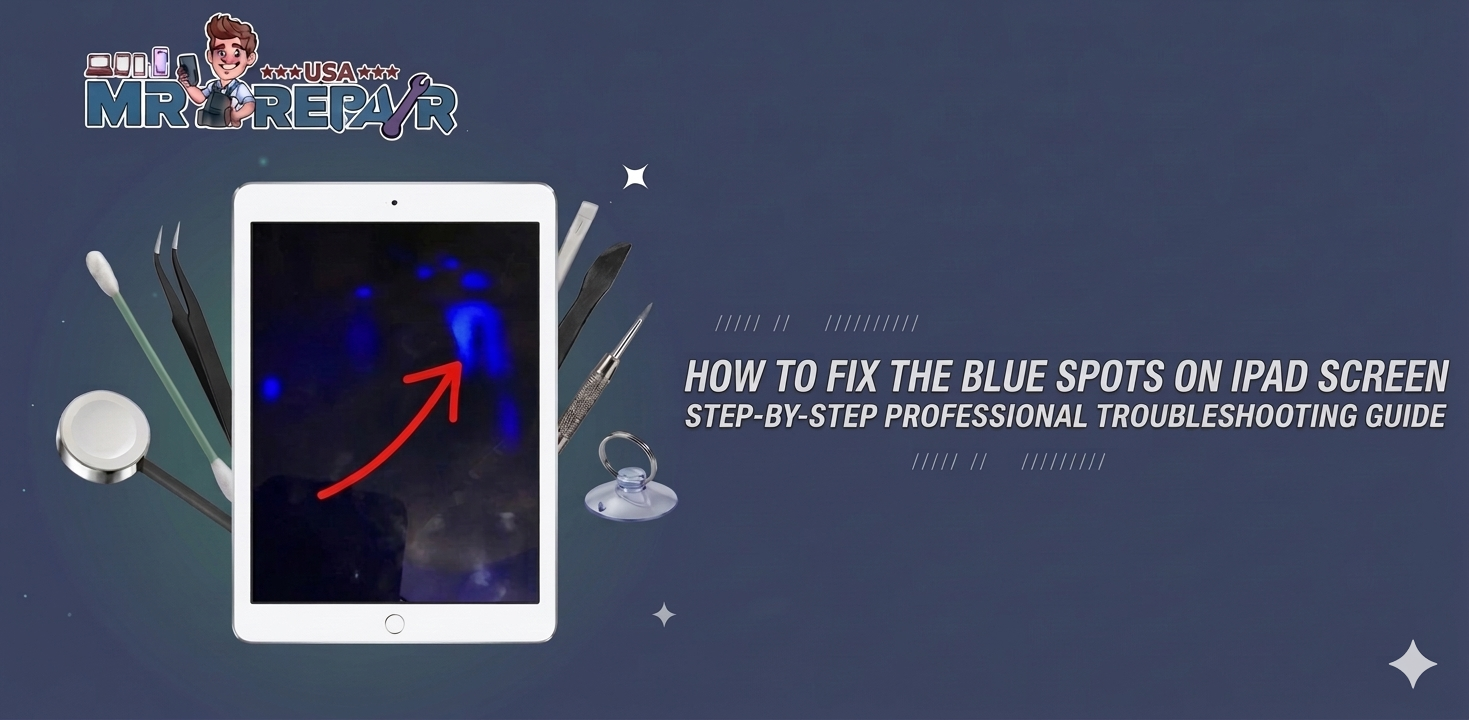
Do you see blue spots on your iPad screen and have no idea what they are? Most people think it is just a small cosmetic issue and ignore it. But that one small blue spot on the iPad screen can grow into a large patch very quickly. It never stays small on its own. This guide explains what causes blue spots on screen, simple fixes to try at home, and when to get professional help. Mr Repair USA diagnoses this exact problem for customers every single week.
What Causes Blue Spots on iPad Screen?
There are a few different reasons a blue dot appears on the iPad screen appears. Knowing the cause helps you pick the right fix fast.
- LCD pressure damage causes blurry blue marks where your iPad took a hit or was squeezed
- Stuck pixels show as tiny, sharp blue dots on the screen that stay blue no matter what is on display.
- Dead pixels are permanently broken and show a fixed blue color always
- Liquid damage creates hazy blue spots on the iPhone screen or the iPad screen when water gets inside
- Backlight issues make large blue-tinted zones, especially on bright settings
- Display connector faults create blue patches and color banding across sections of the screen
Knowing which one you have saves you a lot of time and money.
Quick Checks to Do at Home First
Try these simple checks before doing anything else. They take under 5 minutes.
- Set your wallpaper to solid white so every blue spot on the iPad screen shows up clearly.
- Open a solid black image, then red then green to see if spots change with different colors.
- Check the glass edges for small cracks, moisture fog, or any swelling under the screen.
- Slide the brightness up and down to see if the blue spots on the screen shift at any level
- Restart your iPad and check if spots are still there after it loads back up.
These checks tell you quickly if the problem is software or hardware.
Software Fixes to Try at Home for Free
Always try these free fixes before spending any money on a repair.
Restart Your iPad
A simple restart clears temporary software glitches fast. Many blue spots on iPad screen cases caused by software disappear after one restart. Hold the correct button combination for your model until the power slider appears. Slide to turn off, then turn it back on.
Force Restart Your iPad
A force restart clears the display memory completely. This fixes many blue dots on iPad screen cases that started after a crash or failed update. Use the button combination specific to your iPad model to do this.
Update iPadOS
Go to Settings, then General, then Software Update. Install any available updates right now. Apple regularly fixes display driver bugs in updates. These bugs can create blue spots on the screen that look exactly like hardware damage.
Reset All Settings
Go to Settings, then General, then Transfer or Reset iPad, then Reset All Settings. This clears screen settings without deleting any of your apps or files. It fixes color and display errors that cause iPad screen blue tint problems.
Try a Pixel Fix Tool
Open JScreenFix in your browser or play a color cycling video in full screen for 20 minutes. This method unsticks frozen blue dot on the iPad screen stuck pixel issues at zero cost. It works surprisingly well for stuck pixel problems.
If blue spots on the iPad screen are still there after all these steps, then the damage is hardware-related.
Signs the Problem Is Hardware Damage
Some blue spot on screen problems cannot be fixed with software at all. Here are the clear signs you need a repair:
- Spots appeared right after a drop and sit exactly where the iPad hit
- Spots stay the same on every color test, which means physical pixel damage
- Spots are slowly growing bigger over time, which means damage is spreading
- You can see moisture fog inside the glass near the blue patch on the mobile screen
- Multiple blue spots on the iPad screen are appearing in different locations
If any of these match your situation you need a professional repair.
Repair Options to Consider
There are three main repair options available to you.
Apple Store uses genuine parts and keeps your warranty safe. But it costs significantly more than other options available.
Mr Repair USA offers certified quality repairs at much more affordable prices. Most iPad screen repairs are completed the same day you bring it in.
Third-party shops may charge less, but sometimes use non-genuine parts that affect color quality long-term.
Visit us to book a same-day iPad screen repair appointment today.
Cost and Warranty Things to Know
Knowing your costs before visiting any shop saves you from surprises later.
AppleCare Plus covers accidental blue spots on the iPad screen for a much lower service fee. Apple’s standard warranty covers manufacturing pixel defects only. It does not cover drops or liquid damage at all. Out of warranty Apple repairs cost between $200 and $600, depending on your model. Mr Repair USA repairs cost way less and still come with a full warranty.
Always ask three questions before approving any repair. Ask what parts will be used. Ask if a warranty is included. Ask for the full price with no hidden fees.
How to Stop Blue Spots From Coming Back
These simple habits protect your iPad screen for years.
- Use a strong protective case that covers all four edges of your iPad
- Apply a tempered glass screen protector to absorb impact and pressure
- Never carry your iPad under heavy items in a bag as pressure builds up slowly
- Keep your iPad away from liquids including steamy bathrooms and kitchens
- Avoid extreme heat and cold as temperature damages LCD layers over time
- Check your iPad after every drop and catch damage early before it spreads
- Back up your data weekly, so nothing is lost if a repair becomes necessary
These habits cost almost nothing and prevent blue spots on the screen from coming back.
Get Your iPad Screen Fixed Today.
Blue spots on iPad screen come from stuck pixels, pressure damage, liquid exposure or LCD damage inside. Always start with a restart and pixel fix tool before spending any money. If the blue spot on iPad screen stays after every software fix, then hardware repair is the next step. Back up your data before any repair visit, and check your AppleCare status to save money. Mr Repair USA fixes blue spots on iPad screen problems the same day you bring your device in. Visit us and stop letting those spots get any bigger.
How to get rid of blue spots on the iPad screen?
Start with a restart and run a pixel fix tool in full screen for 20 minutes. If the blue spots on the iPad screen stay, then the LCD is damaged and needs professional repair.
What are the signs of a failing iPad?
A blue dot on the iPad screen is usually caused by a stuck pixel, LCD pressure damage from a drop, or liquid getting inside the display layers.
Why are there blue dots on my screen?
A blue patch on the mobile screen usually means the LCD was damaged by pressure, a drop, or moisture. Run the color test first to confirm it is hardware damage.
How to fix pressure spots on the iPad screen?
Yes, if the cause is a stuck pixel. A pixel fix tool sometimes resolves it for free. But a physical blue spot on the screen from drops orliquid, usually needs a screen replacement.
Can blue spots on an iPad screen be fixed without replacement?
An iPad screen blue tint covers the whole display, while blue spots on the iPad screen appear in specific areas only. A blue tint usually points to a display connector issue or software problem instead.
