
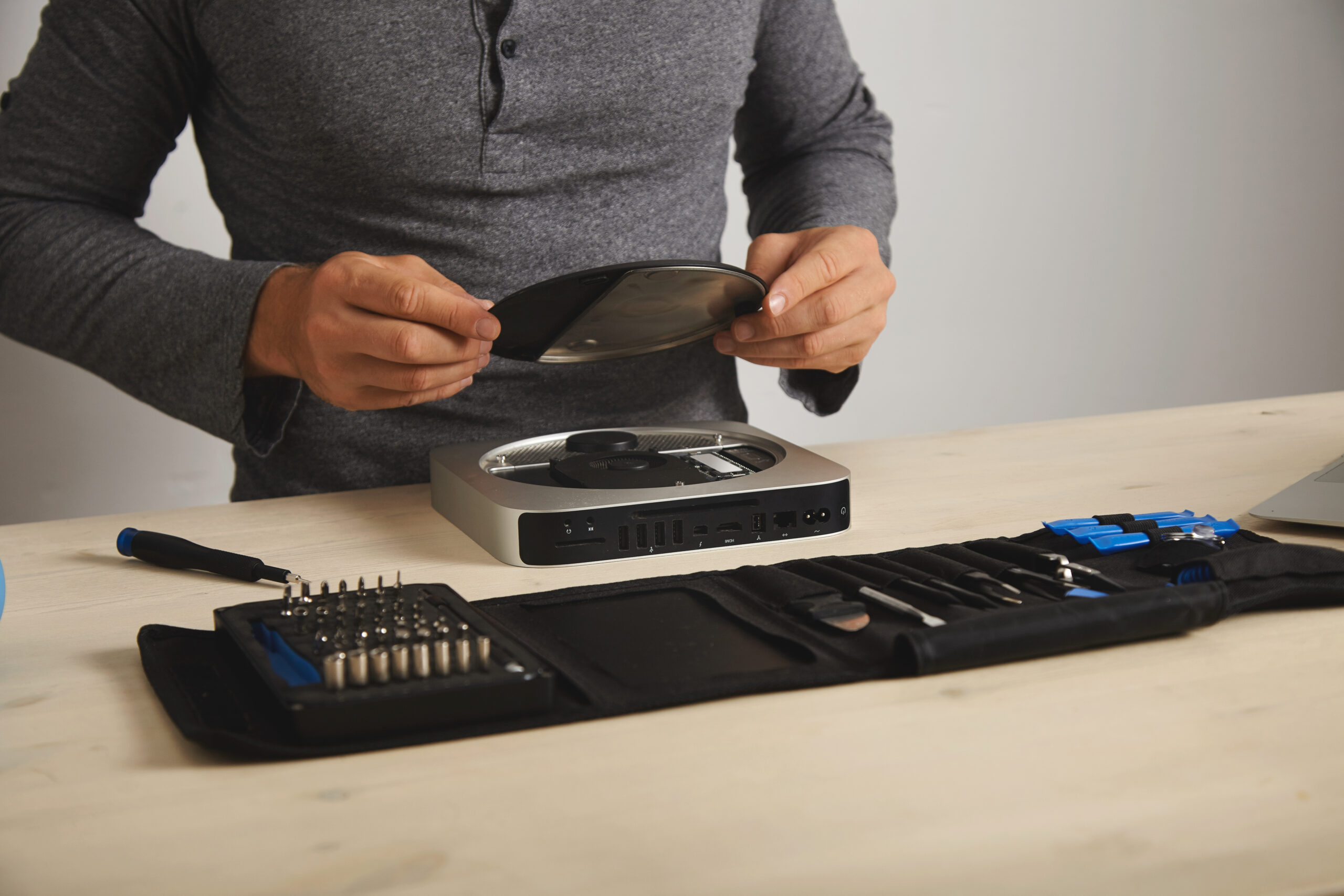
Have you ever been deep in a gaming session when your PS5 suddenly shut down without warning? It feels frustrating and confusing at the same time. Many gamers panic and assume the worst. But overheating is actually a very common and fixable problem. You do not always need to spend big money on repairs. Sometimes small changes make a huge difference. This guide covers the main causes of PS5 overheating, fix solutions and warning signs and walks you through home fixes and when to call a professional.
Why PS5 Consoles Overheat So Often?
PS5 consoles generate significant heat during modern gaming sessions every single day. Powerful graphics processors and advanced hardware create heavy thermal loads constantly. Cooling systems remove heat properly only when airflow remains completely unrestricted throughout usage.
Dust buildup remains the most common overheating cause affecting PS5 consoles consistently. Dust slowly blocks important vents, fans, and internal heatsink components completely. Restricted airflow traps heat inside consoles, causing dangerous temperature increases.
Many gamers place consoles inside cabinets with extremely limited airflow, unfortunately, completely. Enclosed spaces trap hot air around consoles during extended gaming sessions consistently. Poor ventilation quickly raises internal temperatures beyond safe operating limits significantly.
Thermal paste also dries naturally after several years of regular gaming usage. Dried thermal compound transfers heat poorly between processors and heatsinks completely. Weak thermal transfer causes overheating during demanding games and extended play sessions.
Common Reasons Your PS5 Is Overheating
Different problems create similar overheating symptoms during normal gaming sessions consistently. Understanding possible causes helps gamers choose the correct overheating solutions quickly. Early troubleshooting prevents permanent console damage and expensive repair costs.
Here are common reasons requiring proper PS5 overheating fix solutions consistently:
- Dust buildup is blocking vents, fans, and heatsink airflow pathways
- Poor ventilation traps hot air around gaming consoles constantly
- Dried thermal paste reduces heat transfer efficiency significantly
- Clogged cooling fans are preventing proper airflow during gameplay sessions
- Hot gaming rooms are increasing overall console operating temperatures rapidly
- Software glitches are forcing processors to run at maximum performance constantly
- Damaged fan bearings are causing weak airflow and loud noises
- Long gaming sessions generate continuous internal heat without cooling breaks
Dust remains the leading overheating cause among most repaired PS5 consoles. Regular cleaning helps prevent dangerous temperature spikes during gameplay significantly.
PS5 Overheating Error Messages Explained
Sony designed PS5 consoles with warning systems protecting internal hardware automatically. These warnings help gamers recognize dangerous temperature problems before permanent damage occurs. Understanding messages helps players react quickly and prevent additional overheating completely.
Here are common PS5 overheating warnings and their meanings:
- PS5 too hot messages indicate emergency thermal shutdown activation
- Maximum fan speeds reveal active thermal throttling during gameplay
- Mid-game shutdowns mean critical internal temperatures were reached
- Loud fan noises suggest airflow restrictions or failing cooling fans
- Repeated overheating alerts indicate serious cooling system problems.
Single overheating warnings sometimes happen during unusually hot gaming environments completely. Repeated shutdowns, however, require immediate troubleshooting and cooling system inspections.
Quick Home Fixes Before Paying for Repairs
Many overheating problems improve through simple maintenance and airflow adjustments consistently. Basic troubleshooting often restores safe temperatures without professional repair appointments. Trying safe home fixes helps gamers avoid unnecessary repair expenses significantly.
Here are important home solutions helping reduce PS5 overheating problems consistently:
- Provide clearance space allowing airflow around every console side
- Position consoles vertically, improving natural airflow and cooling efficiency
- Use compressed air to remove dust from external cooling vents carefully
- Clean dust covers using soft brushes without moisture
- Lower room temperatures reduce overall console heat buildup significantly
- Allow cooling breaks after extended gaming sessions every day
Compressed air safely removes loose dust from accessible cooling sections consistently. Never use vacuum cleaners because static electricity damages sensitive console components completely.
Keeping gaming rooms cooler also improves PS5 thermal performance significantly consistently. Lower surrounding temperatures reduce cooling system stress during demanding gameplay completely.
When Professional PS5 Overheating Repair Becomes Necessary?
Some overheating problems continue despite proper cleaning and airflow improvements consistently. Serious cooling failures usually require professional tools and complete internal inspections. Ignoring major overheating symptoms risks permanent hardware failure and expensive repairs later.
Here are warning signs requiring professional PS5 overheating fix services immediately:
- Continued overheating despite completely clean vents and open spaces
- Grinding fan noises indicate damaged cooling fan bearings internally
- Dried thermal paste requires complete console disassembly procedures
- Fan failures are preventing proper airflow during demanding gaming sessions
- Rapid shutdowns are happening within fifteen gameplay minutes consistently
- Extreme console heat makes the external surfaces dangerously hot
Thermal paste naturally loses effectiveness after several years of regular gaming usage. Replacing dried thermal compound often lowers temperatures dramatically consistently and completely. Professional service improves cooling performance and extends console’s lifespan significantly.
Professional PS5 Overheating Repair Process
Professional overheating repairs involve much more than basic dust removal consistently. Experienced technicians completely inspect internal cooling systems and thermal components carefully. Proper maintenance restores airflow and improves long-term console reliability significantly.
Here are common repair steps during professional PS5 overheating repair procedures:
- Complete disassembly, exposing important cooling system components safely
- Internal dust removal, clearing blocked airflow pathways thoroughly
- Cooling fan inspections, checking performance, and bearing condition carefully
- Thermal paste replacement restores proper processor heat transfer efficiency
- Heatsink cleaning, removing debris affecting internal cooling performance
- Thermal testing verifying safe operating temperatures during gameplay
Professional technicians also inspect consoles for hidden hardware damage consistently and completely. Early detection prevents expensive motherboard failures and permanent processor damage significantly.
Mr. Repair USA provides professional PS5 overheating fix services with warranty protection included. Customers receive dependable repairs, improving cooling performance and gaming reliability consistently.
Why Ignoring Overheating Problems Creates Bigger Repairs?
Many gamers continue playing despite repeated overheating shutdown warnings, unfortunately, completely. Continuous overheating slowly damages important internal console hardware consistently. Heat weakens the processor’s storage components and motherboard connections over extended periods significantly.
Frequent shutdowns also interrupt software processes, causing data corruption occasionally. Damaged files sometimes affect saved games and overall console stability consistently. Early maintenance prevents larger repair expenses and frustrating gaming interruptions significantly.
Professional overheating repairs cost much less than complete motherboard replacements. Preventive maintenance protects expensive gaming hardware and improves overall console lifespan.
Tips for Preventing Future PS5 Overheating Problems
Simple maintenance routines reduce overheating risks and improve console reliability consistently and completely. Prevention helps gamers avoid sudden shutdowns during important online matches significantly. Good airflow and regular cleaning protect internal cooling systems effectively.
Here are helpful tips to prevent future PS5 overheating issues consistently:
- Clean vents monthly, removing dust before heavy buildup develops
- Keep consoles elevated, improving airflow beneath gaming systems
- Avoid enclosed cabinets trapping hot air around consoles constantly
- Take gaming breaks, allowing cooling systems to rest regularly
- Inspect cooling fans, listening for unusual operational noises
Preventive care improves gaming performance and reduces professional repair needs completely.
Get Your PS5 Running Cool Again Quickly
An overheating PS5 never improves without proper maintenance and professional attention consistently. Dust buildup and dried thermal paste worsen gradually over extended gaming periods. Early service protects consoles from permanent hardware damage and expensive future repairs.
Mr. Repair USA provides trusted PS5 overheating fix services with same-day repairs. Our technicians clean cooling systems and replace thermal paste professionally consistently. Customers receive dependable repairs supported by strong warranty protection.
Visit Mr. Repair USA locations inside Alexandria and Manassas, Virginia, anytime, conveniently. Walk-in gamers always receive fast, friendly, and professional console repair assistance.
Frequently Asked Questions
Why does my PS5 overheat during only certain demanding games?
Demanding games push processors harder, creating greater internal heat consistently afterward. Existing dust buildup becomes problematic during intense gaming performance requirements afterward.
How often should PS5 thermal paste receive professional replacement service?
Most technicians recommend replacement every two or three years afterward, consistently completely. Heavy gaming usage sometimes requires significantly earlier thermal maintenance procedures.
Can I safely clean my PS5 without voiding warranty coverage?
Basic external cleaning using compressed air remains completely safe afterward consistently. Internal console disassembly, however, voids Sony’s warranty protection afterward significantly.
Will overheating permanently damage my PS5 hardware eventually?
Yes, repeated overheating damages processors, motherboards, and storage components afterward consistently. Early repair prevents expensive hardware failure and gaming interruptions afterward completely.
What are the early warning signs that my PS5 is overheating?
Before shutting down, a PS5 usually signals overheating through noticeably loud fan noise, frequent frame drops, and graphical glitches. Eventually, an on-screen warning message will pop up before the system automatically powers off to protect its internal components.
