
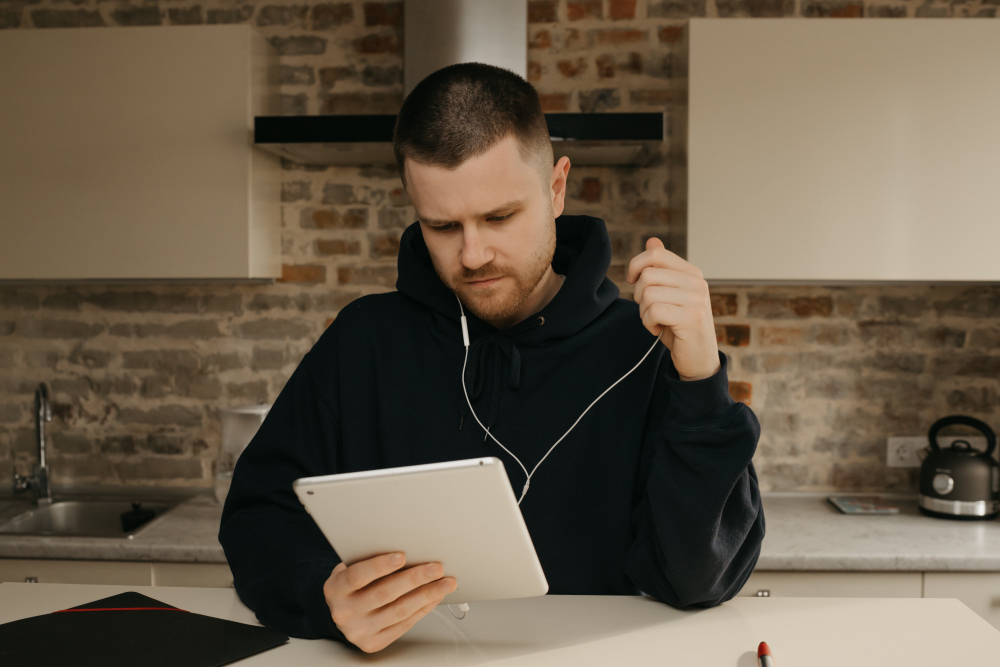
Is your tablet’s sound acting up when you need it most? This problem can be really annoying and hard to deal with alone. Sound issues can stop you from enjoying shows or finishing calls.
Most tablet speaker issues are not that hard to fix at all. You do not have to be a tech expert to do this. This guide helps tablet users fix sound. This guide walks you through nine simple fixes for sound not working on tablets.
You will learn about sound settings, hardware checks, and software fixes. We at Mr Repair USA help customers every single day. Our sound fixes get your tablet up and running again fast. Let us help you get your tablet sound working right now.
Tablet Sound Problems? Why Is My Tablet Not Making Sound?
There are many reasons for this error and here are the main things.
Volume Is Too Low or muted: Maybe the volume is just turned all the way down. Check this first before proceeding.
A Software Bug: Sometimes, a bug stops the sound from working. This can happen after an update or after installing a new app.
Physical Damage: Did your tablet fall or get wet? This can break the speaker inside.
Bluetooth is on: If the space link is tied to a cool tool, then audio might not play on the screen. Try turning the space link off and look for sound.
An App Has Its Own Sound Settings: Some apps control their own sound. This can stop audio from playing in that app only.
Old Audio Drivers: On the Android tab, there are no sound issues; old drivers can cause sound to stop. Updating the tablet can fix this.
Easy Fixes to Get Your Sound Back
1. Check the Volume: This is the simplest fix. Look at your tablet today to be sure it is not on mute. If the volume on the tablet is not working, follow these steps. Push the sound button on the side to make the noise level go up. Look along the top of your screen to see if you find a mute symbol today. Go to Settings and check that sound is turned on there.
2. Restart The Tablet: A Restart Can Resolve Many Small Problems. It also happens to be one of the easiest fixes that you can try. This works for the no sound on tablet issues most of the time.
- Android: Press the Power button down and then click where you see Restart now.
- iPad: Press and hold Power and Volume, then slide the screen to turn off, then restart it.
3. Bluetooth Might Be Passing Your Sound to a Different Device: Open Settings, then find where you can fully switch off Bluetooth. Once you do that, check whether your tablet speakers are producing sound.
4. Update Your Tablet (Android): An old system can cause Android tablets to have no sound problems. Go to Settings and tap Software Update. If an update is available, install it and check the sound again.
5. The App You Have Been Using May Have Its Own Sound Options: Open the app, then spend a little time looking through its settings. Make sure the sound or audio option you find in there is turned fully on. This can fix the sound on the tablet not working in one app only. Too Much App Data Stops Sound
- Android: Go to Settings Apps, select the app, and tap Clear Cache.
- iPad: Remove the app you have, then put it back on.
6. Try Headphones or a Speaker: Connect your headphones to see if sound comes through. Use this for tablet speaker diagnostics. If the headphones work, the tablet speaker is not working may be hardware-related. This helps you tell whether it is really a speaker problem.
Install the Latest System Update. A new update can fix bugs that cause the tablet’s sound not to work.
- Android: Settings, then Software Update:
- iPad: Settings, then General, then Software Update. Install the update, then test the sound.
7. Do a Factory Reset (Last Option): Use this if nothing works and every other method has failed. Move your photos to the cloud before proceeding to the final step.
- Android: Settings, then System, then Factory Data Reset.
- iPad: Settings, then General, then Erase All Content. This will clear your tablet so it looks and runs like a gift.
When Should You See a Professional?
If there is no sound on the tablet, the hardware could be very broken.
You should walk into a repair shop if you have:
A speaker is broken because of a sudden drop or a bad fall. A damaged audio jack or Bluetooth part is giving you a lot of trouble. A broken part is hiding somewhere deep inside the tablet board area. You can find the best repair shops in Manassas. A technician will examine your tablet and fix the problem quite quickly.
How to Stop Sound Problems in the Future?
Always use a shield to keep your tablet safe from damage. Clear the speakers out to push away the built-up dust and dirt inside. Keep your apps and system constantly updated as often as you can. Keep your tablet far from any water and heat sources. Tiny habits like these can keep your tablet in good shape.
Conclusion
Tablet sound problems are common but easy to fix. Start with simple fixes such as checking the volume and restarting. Then move on to Bluetooth updates and cache clearing. If nothing worked, try a factory reset as your last step. Take care of your tablet, and sound problems will happen less often.
Frequently Asked Questions
Why Does My Tablet Sound Distorted?
Tablet audio distortion usually happens because of tablet speaker issues or software issues. Dust in the speaker, damaged speakers, wrong audio settings, or very high volume can cause unclear sound.
To fix it, clean the speaker gently, lower the volume, turn off audio effects, restart the tablet, update the software, or check the sound using headphones.
Why Is My Tablet Volume So Low?
If the volume on the tablet is not working or too low, a few things could be causing this. The media volume may be set low in settings. Some apps lower their volume on their own. Bluetooth devices can also pull sound away. Go to Settings and raise all volume levels. Turn off Bluetooth and check again. If the volume is still not working on the tablet, try restarting the device.
Can I Fix a Broken Speaker at Home?
You can try a few things at home before going to a shop. Clean the speaker with a soft brush to remove dust. Restart the tablet and check all sound settings. If the tablet speaker is not working after these steps, then the speaker may need a professional fix. A repair shop in Alexandria or Manassas can help you fast.
Why Is There No Sound in One App?
If the sound is not working on the tablet in just one app, then the app may have its own sound settings. Open the app and look through its settings. Make sure audio is turned on inside the app. Clear the app cache and restart it. If the problem stays, remove the app and put it back on. This usually fixes no sound on tablet issues in a single app.
How do I fix the sound on my tablet?
Start with the basics if you want to know how to fix sound on a tablet. Check that the volume is up and the tablet is not on mute. Restart the device and turn off Bluetooth. Update your apps and system software. Clear the app cache if one app has no sound. If the tablet has no sound after all these steps, then do a factory reset as the last option. If nothing worked, then visit a repair shop near you.
