
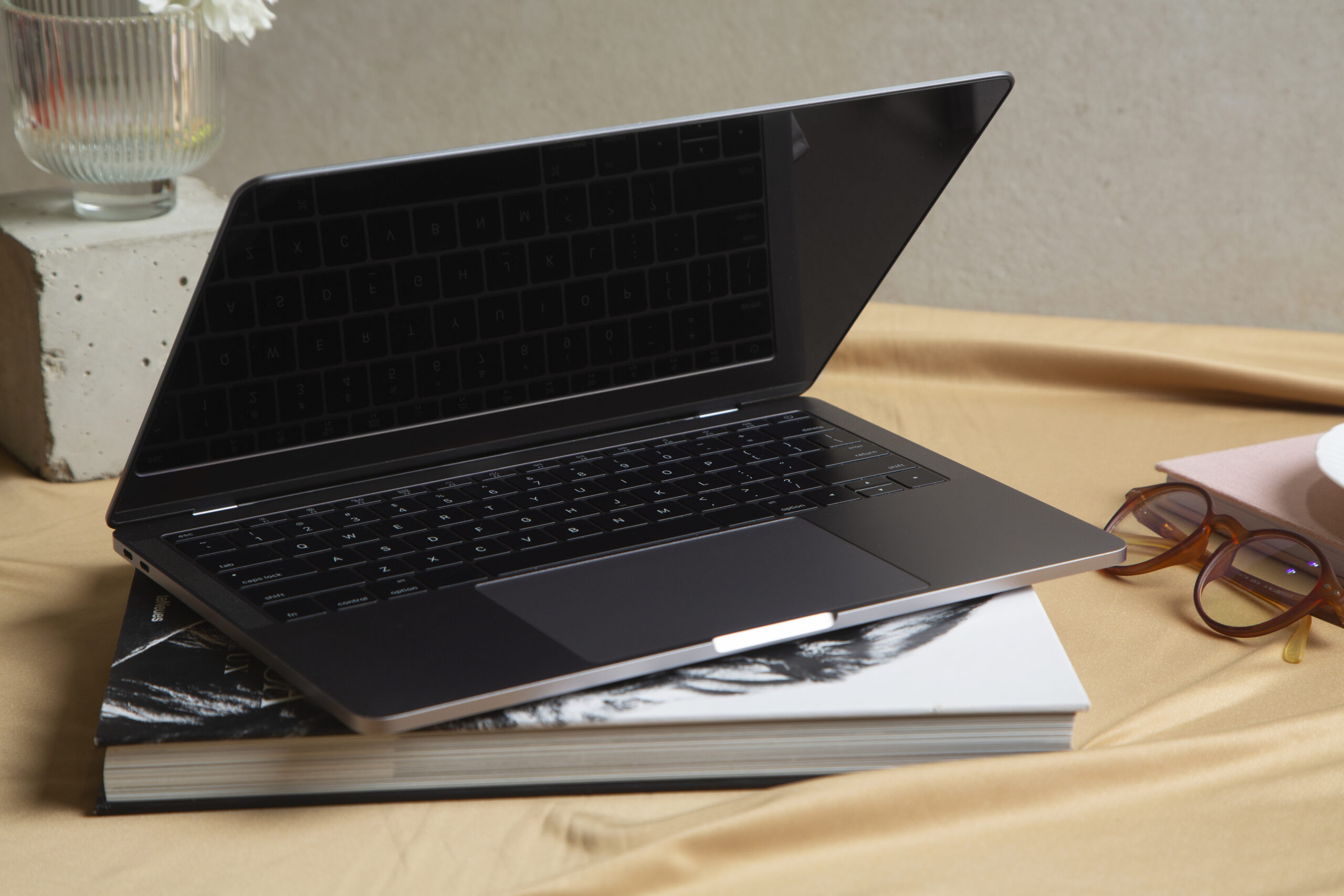
Do you see weird dark patches or a glowing effect along the bottom edge of your MacBook Pro screen? That strange visual problem has a name and a known fix. MacBook Pro Screen Shadow at Bottom issues frightened many users when they first appeared, but they are now well-known. Let’s go through what is happening and how you can respond.
Bottom of the MacBook Pro Screen Shadows: What Causes Them?
A summary of the flexgate, which caused the failure of their flex cable. Flexgate MacBook Pro repair became a hot topic as early as 2019, when users discovered that an internal flex cable in some MacBook Pros was too short. It flexes and slowly fatigues each time the cover is opened and closed. You get MacBook Pro shadows at the bottom of the screen that look like stage lights when it starts to fail.
Backlight LED Failure
Sometimes the LEDs along the bottom edge of the display just fail. This can create MacBook Pro Screen Shadow at Bottom that looks similar to Flexgate but has a different fix.
Physical Damage or Pressure on the Lid
If the lid has been squeezed or dropped, internal pressure can cause shadowing or screen damage. This is more of a MacBook shadow on the screen from physical impact.
Identifying Flexgate on Your MacBook Pro
Flexgate has some very specific symptoms that make it recognizable.
The Stage-Light Effect Test
Open your MacBook and tilt the screen slowly. If you see the MacBook Pro Screen Shadow at Bottom (a row of bright spots at the bottom), it is almost certainly Flexgate.
Screen Goes Black When Fully Opened
As the flex cable gets worse, the screen may cut out completely when you open it past a certain angle. This is a major sign.
Which MacBook Pro Models Are Affected?
In the final analysis, the 13-inch and 15-inch MacBook Pro models for 2016 and 2017. A longer cable, used for the 13-inch of 2018, is called FLEX! If you’re facing this problem, reports are coming out with confidence that Apple has fixed that/xpost]
How to Troubleshoot and Diagnose the Problem Yourself?
You don’t have to be a tech guru to ascertain what’s happening.
-
- Restart and safe mode: An easy way to check if the software is responsible for your trouble is by booting in safe mode.
-
- External monitor test: If an external screen looks fine, the issue is the display cable
-
- Tilt test: Slowly open and close the lid and watch for the stage light pattern
-
- MacBook Pro screen shadow fix: If it changes with angle, it is almost definitely Flexgate
MacBook Pro Screen Shadow Fix Options
Once you know what you are dealing with, you have real options.
Apple’s Official Service Program
So through their Display Backlight Service Program, Apple gave an eligible free fix to 2016 13-inch models. That window has largely shut now, although it is worth checking your serial number at Apple’s site.
Third-Party Repair
This is where Flexgate MacBook Pro repair gets affordable. A trained professional installs the new flex cable, and with it, we get several additional millimeters out of a newly designed part. The repair runs $150 to $350, depending on your model.
Can a MacBook Pro Screen Shadow Get Worse Over Time?
Yes and honestly, pretty quickly. The MacBook Pro screen shadow starts small and grows as the flex cable continues to fail. Most users go from a thin glow at the bottom to a fully dark screen within a few months if left untreated. Do not wait on this one.
Why Choose Mr. Repair USA in Virginia?
Mr. Repair USA handles MacBook Pro backlight repair, and Flexgate fixes are regularly in Virginia. They know exactly which cable to use and get repairs done fast. Check out mrrepairusa.com to schedule a diagnostic and get a quote for your specific MacBook model.
Conclusion
A MacBook Pro screen shadow is annoying, but it is totally fixable. Whether it is Flexgate, a bad LED, or physical damage, getting it diagnosed quickly saves your screen from getting worse. Reach out to Mr. Repair USA at mrrepairusa.com and get your display looking perfect again.
Frequently Asked Questions
Is the MacBook Pro screen shadow always Flexgate?
Not always, but it is the most common cause. An external monitor test helps quickly rule out other issues.
Can I use my MacBook Pro with the screen shadow?
Yes, for a while, but the problem gets progressively worse. Getting it fixed sooner saves money long term.
How much does Flexgate repair cost?
Third-party repairs typically run $150 to $350. Apple’s out-of-warranty repair is significantly more expensive.
Which MacBook Pro models get the stage-light effect?
Mostly 2016 and 2017 13-inch and 15-inch models. Some 2018 models are also affected.
Can Flexgate be permanently fixed?
Yes. Replacing the flex cable with a longer, redesigned version permanently resolves the issue in most cases.
